Flight Planning Rules Engine
Mid-2018 – early 2019 · UX Designer, Lido Flight 4D · Automation Management
Designed the experience of writing rules for Lufthansa Systems’ Lido/Flight 4D: how much fuel to add, what speed to fly, which airspace to avoid, when to warn someone. The system already ran on these rules. I redesigned how airlines create and read them.
Why rules exist
Airlines run on rules
Every flight needs the same small decisions made for it: how much extra fuel to carry, what speed to fly, which airspace to avoid, when to warn a pilot. Lido/Flight had automated these decisions for years, by following rules each airline set up in advance.
A rule is simple: if this happens, do this. For example:
If the destination is Tel Aviv
Review the flight plan before filing it.
If the flight is under 500 NM
Cap the cruise altitude at FL230.
If the new arrival time slips by 20+ min
Send a delay message.
If it's a mid-haul flight
Have the flight plan ready 6 hours before departure.
The problem
Only a few specialists per airline could use these screens with confidence
The old screens for writing rules, in Lido Classic, were dense grids of filters and codes. Three things made them risky to use:
Split in two
Flight-plan rules and monitoring rules lived in two separate systems, so nobody had one place to see what would actually happen to a flight.
Built for specialists
Even the back-office staff whose job this was touched these screens once or twice a year at most, so proficiency never really built up.
No way to check your work
You saved a rule and hoped it was right. There was no way to see which real flights it would actually match before it went live.
Get a rule wrong, and a real flight either got no help from the automation, or the wrong help.
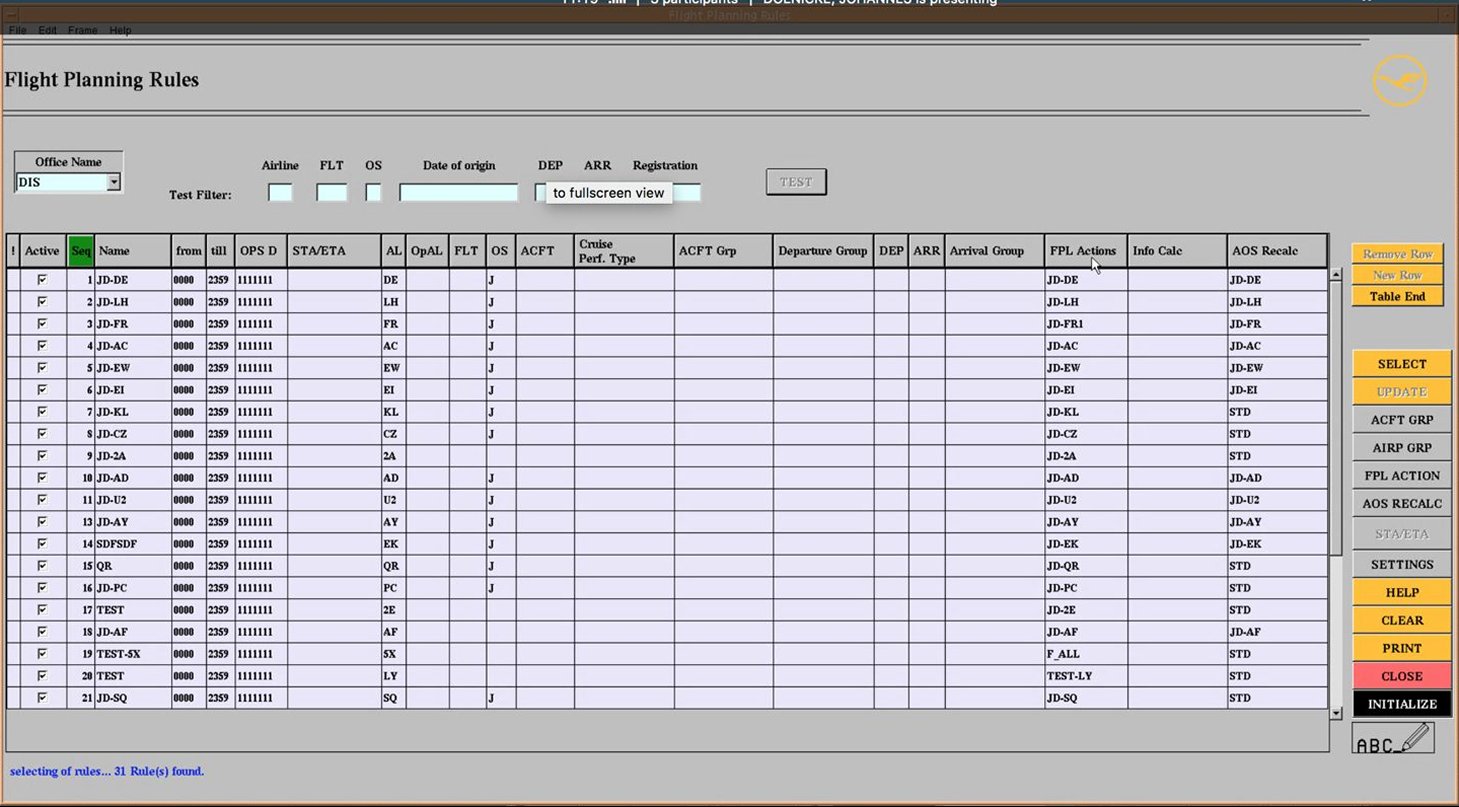
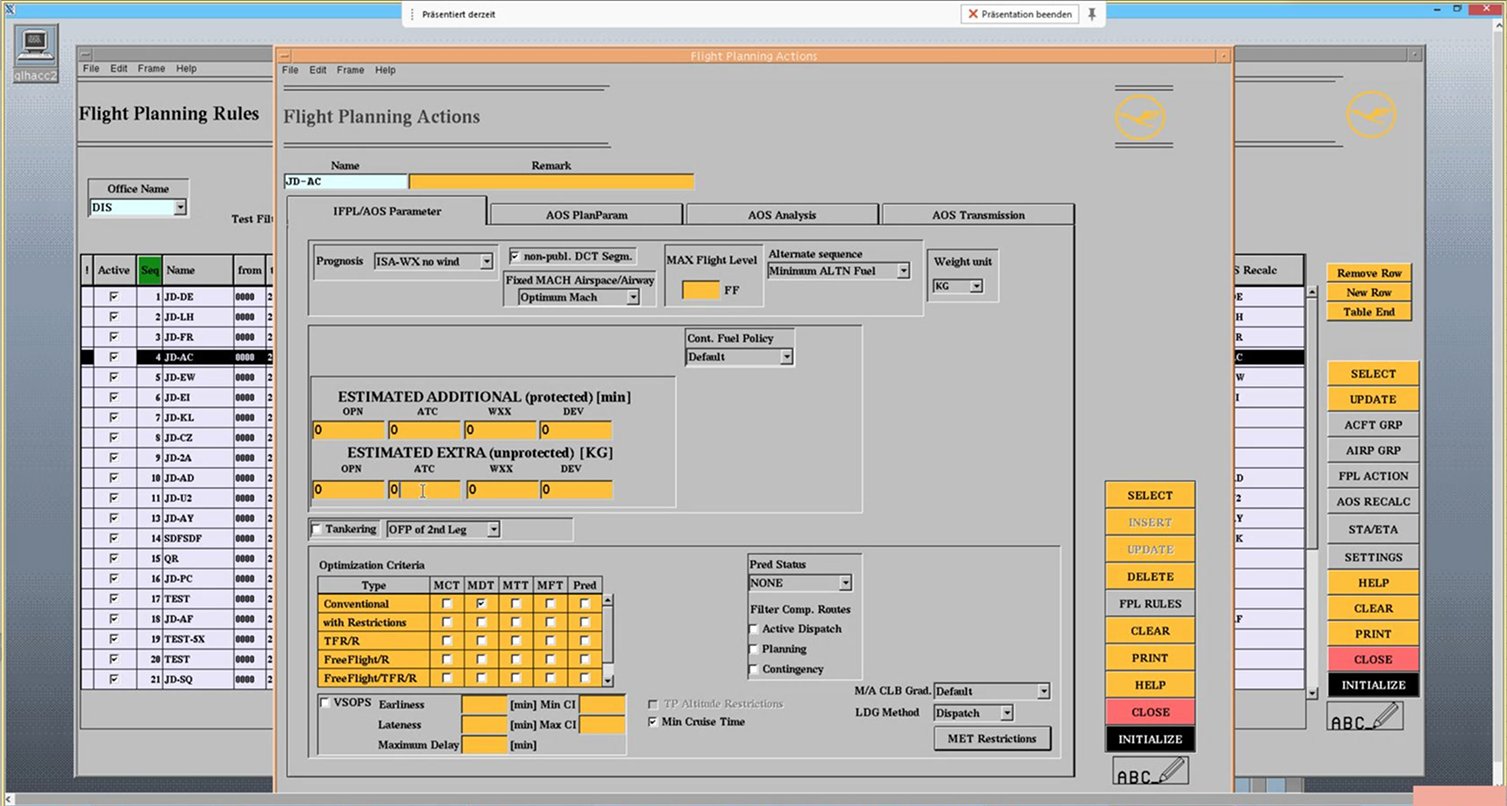
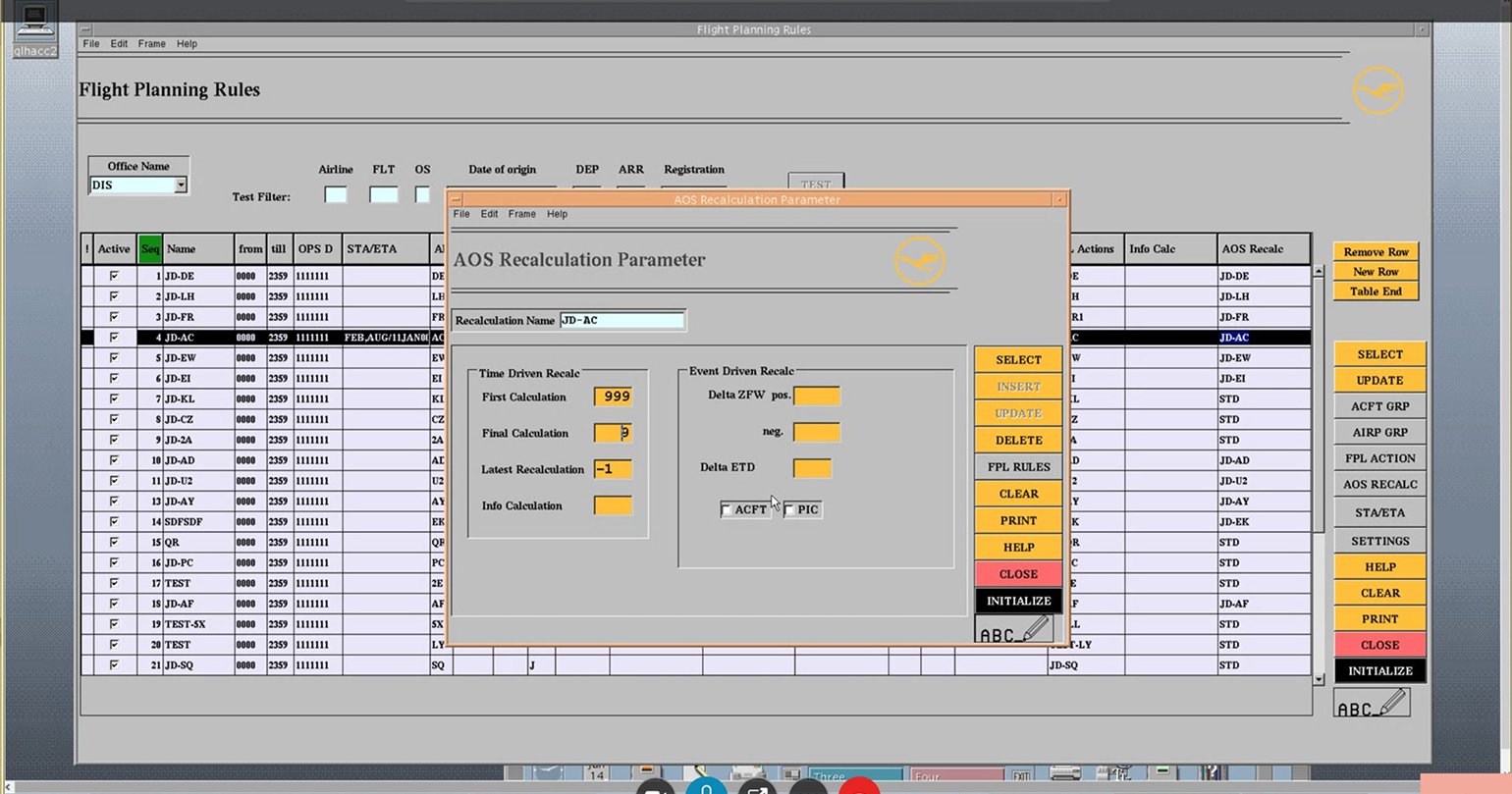
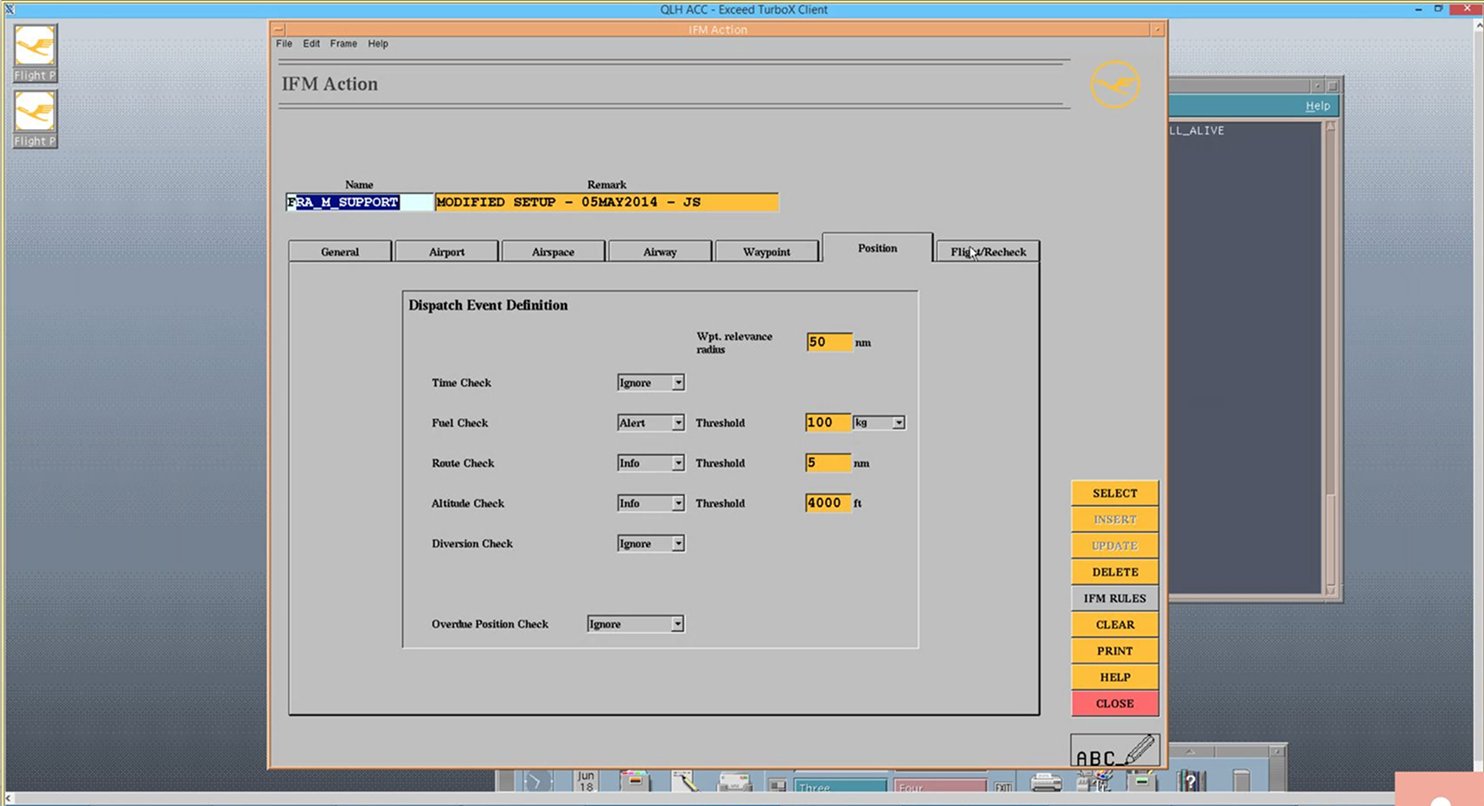
Lido Classic: the screens I audited with domain experts
How I solved it, simply
Every rule, broken into the same three questions
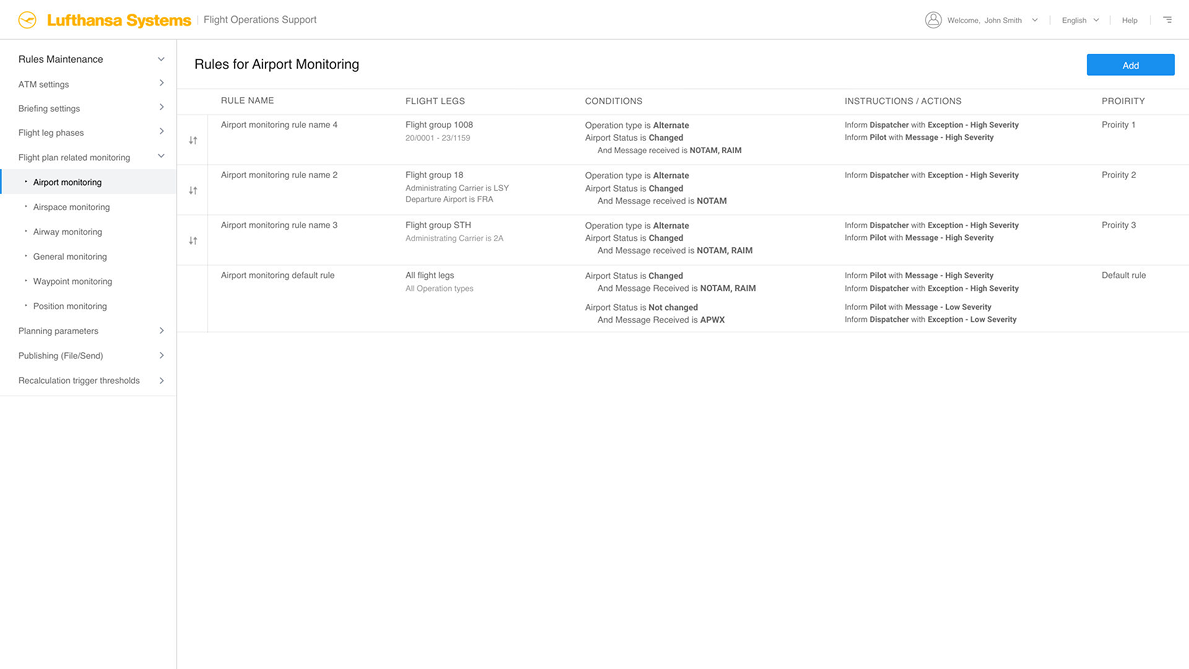
I didn't change what a rule could do. I changed how someone creates and reads one. Take a real example: “If a flight is under 500 NM, cap the cruise altitude at FL230.” Every rule, no matter the topic, answers the same three questions:
Which flights?
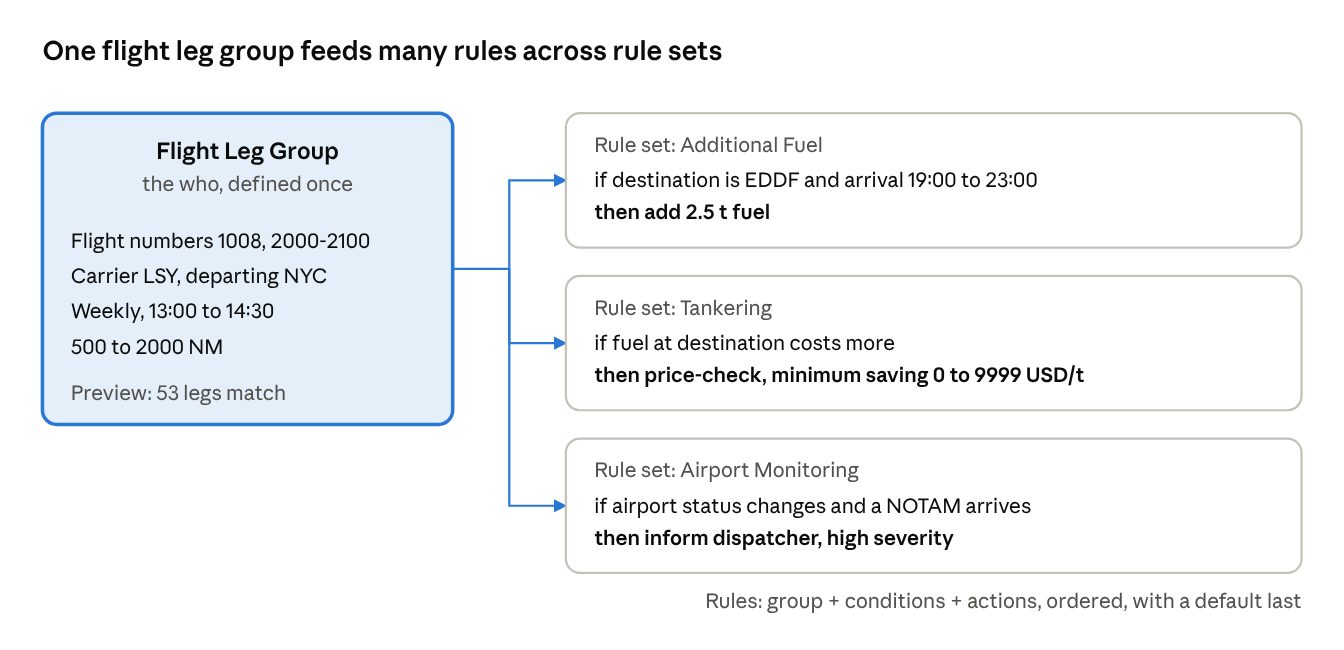
Flights under 500 NM. Saved once as a reusable group, so the same “which flights” can be reused by other rules too.
Do what?
Cap the cruise altitude. Written as a plain sentence, not a code.
At what value?
FL230. The specific number or setting for this rule.
All the rules for one topic are shown as a simple list, in order. The system reads down the list and uses the first rule that matches. If none of them match, there's always one last rule at the bottom that catches everything else, so a flight never goes unhandled.
My role
My role
I was the UX designer on Automation Management from mid-2018 to early 2019, working with Lufthansa Systems’ product owners and domain experts. A second designer, Johannes Doenicke, took the most complex authoring cases so we could test one model across simple and hard rules.
I owned rule maintenance, flight leg groups, the dispatcher override, and six action editors, from discovery to high-fidelity concepts. My approach had four steps: learn the domain through use-case pages, expert walkthroughs and an audit of Classic; study ten products that already let people build rules; map users and tasks until the hard part shows itself; then explore concepts, drop the weak one and detail the rest.
A flag up front: this shipped as signed-off, high-fidelity concepts. I don't have launch metrics or usability results to share here, only the reasoning that got me there.
Who it’s for
Three users, two different rhythms
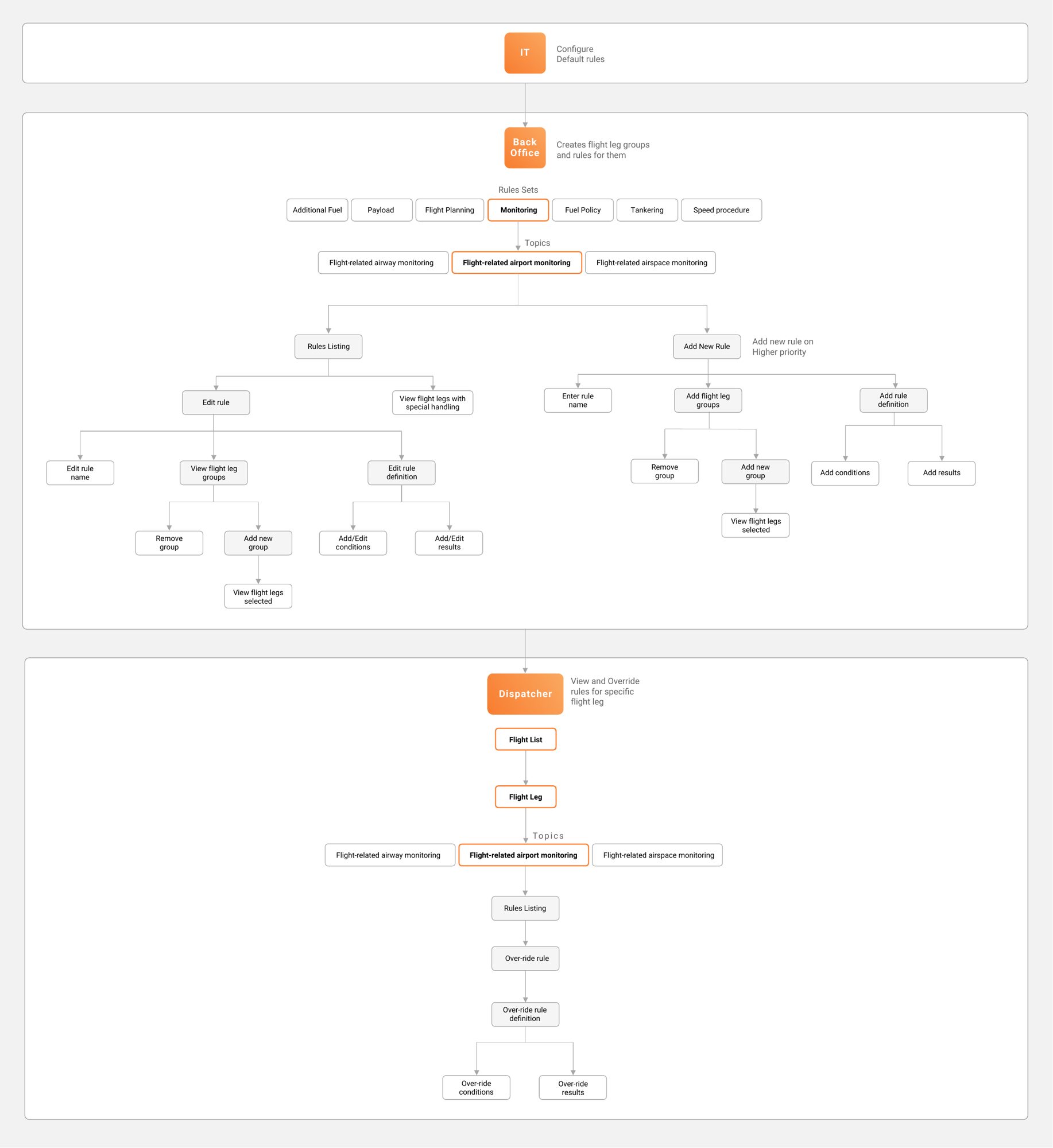
IT and back office touch this area once or twice a year, so the screen has to be easy to relearn after months away — nobody builds muscle memory at that pace. Dispatchers are the opposite: they override a rule daily, under pressure, so they need speed inside safe guardrails, not a fresh mental model every time.
IT
Sets default rules once. Needs completeness.
Back office
Writes long-term rules once or twice a year. Needs confidence the rule hits the right flights.
Dispatcher
Overrides one leg, daily, under pressure. Needs speed, without breaking the master rule.
This split shows up in the rules themselves too. Back office writes long-term rules: the standing policy, with lower priority. A dispatcher's override is a temporary rule: it beats the long-term rule while it's active, but only for that one flight leg, and it expires the moment that flight lands.
Research
Research: learning from existing products
Before scoping the work myself, I looked at how other products already let people build rules. I studied ten of them (Teramind, Adobe, iTunes, Apple Mail, Outlook, Facebook Ads, Salesforce, Jira and Microsoft notifications) and picked what we could use. Three patterns kept recurring.
Nested rules
Several levels deep. Powerful, and quickly unreadable. Left behind.
Step-wise wizards
Filter, then condition, then action. Clear, but slow to edit later. Left behind.
Built one entity at a time
Events, conditions and actions added incrementally. Used: the Add Criteria menu.
The full competitive audit
The 24 rule builders I reviewed before settling on the three patterns above, from Teramind to Microsoft.
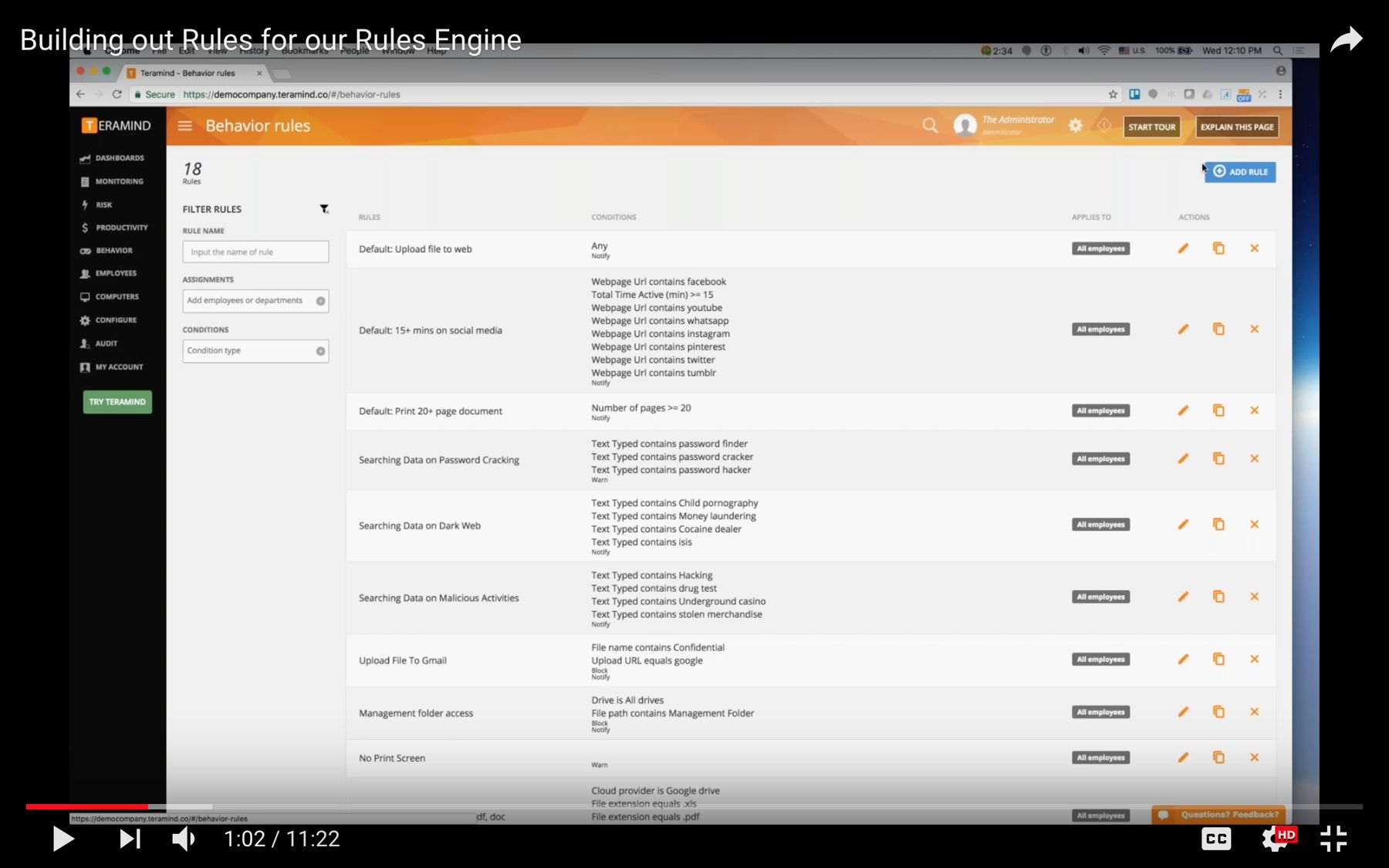
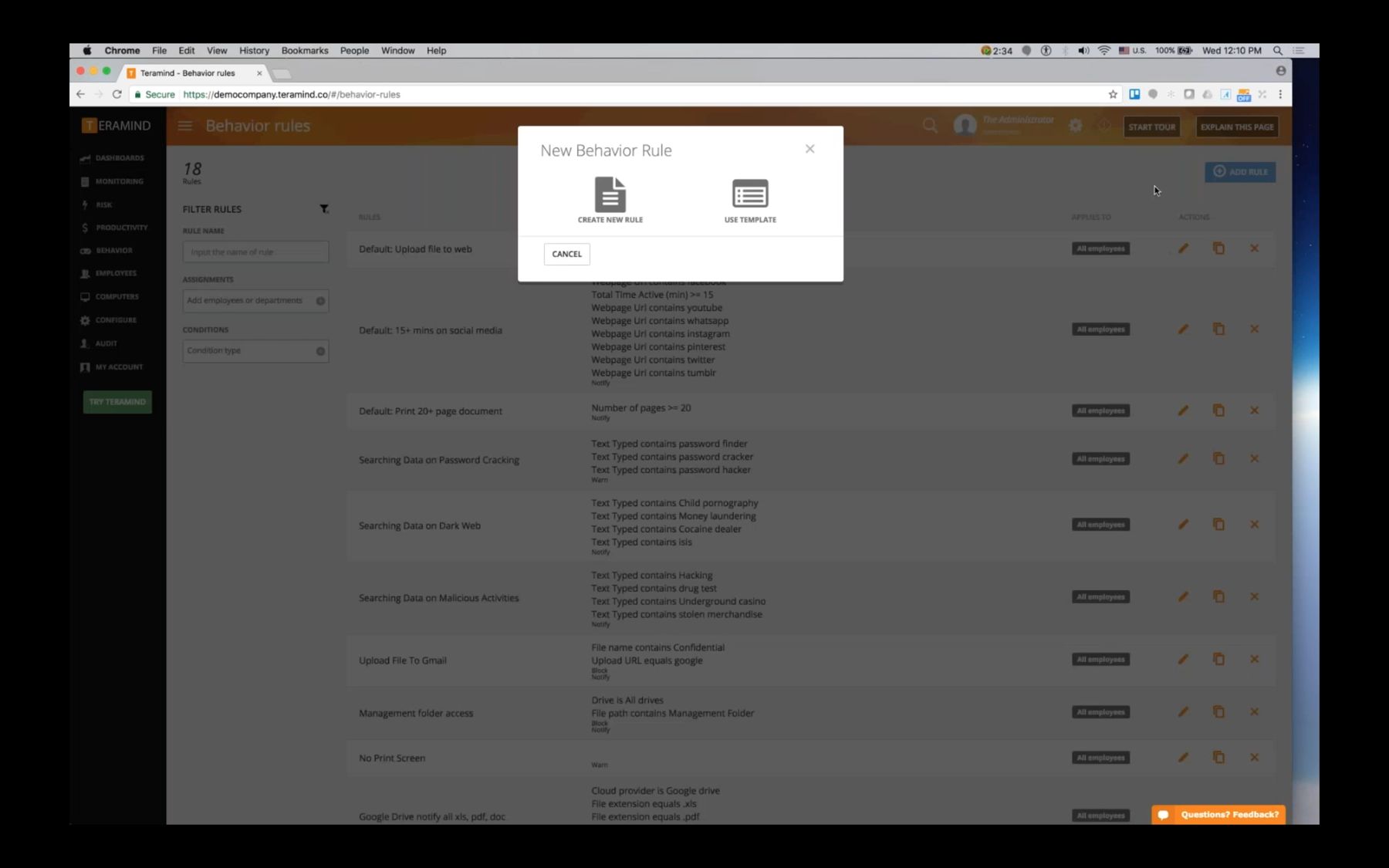
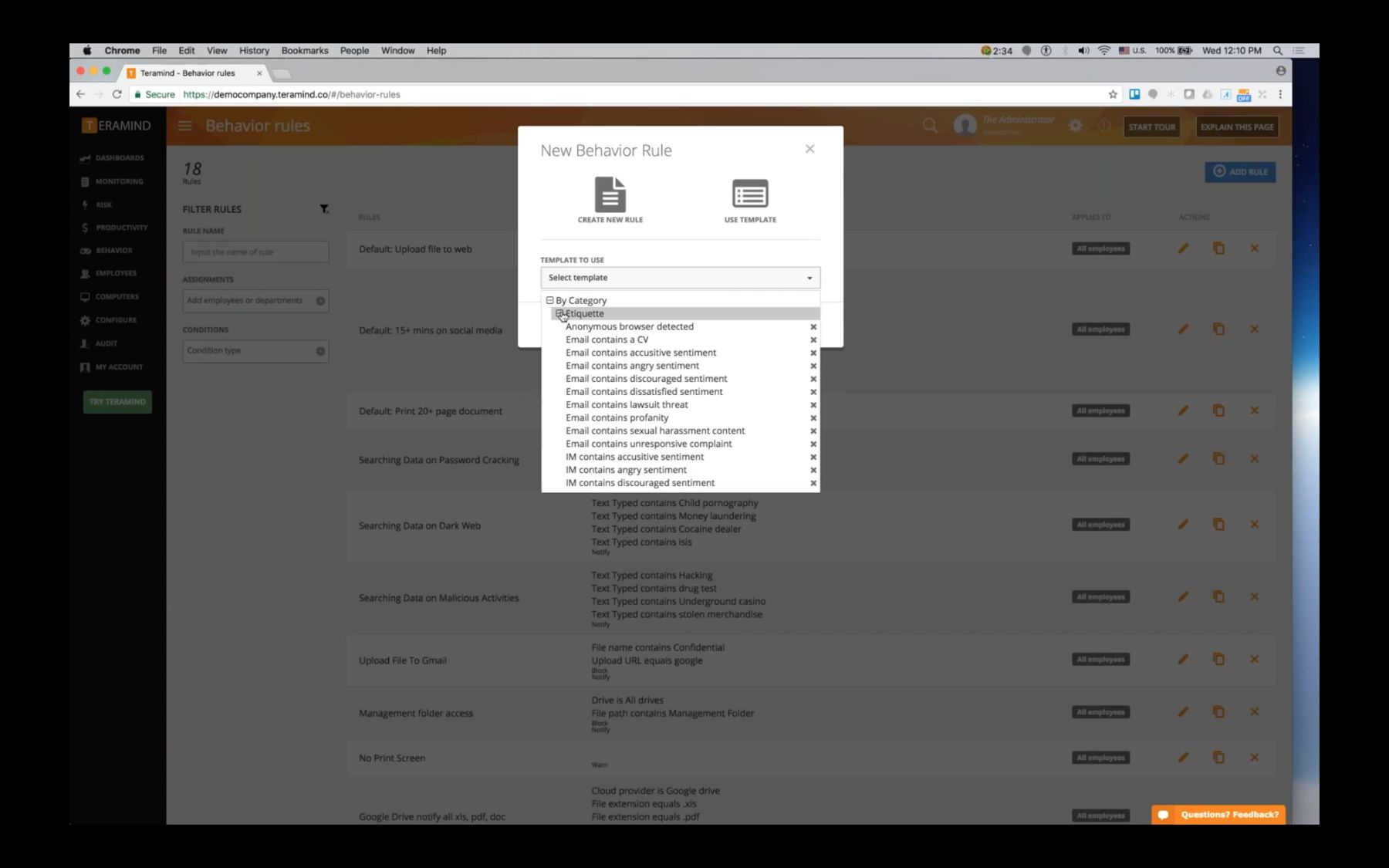
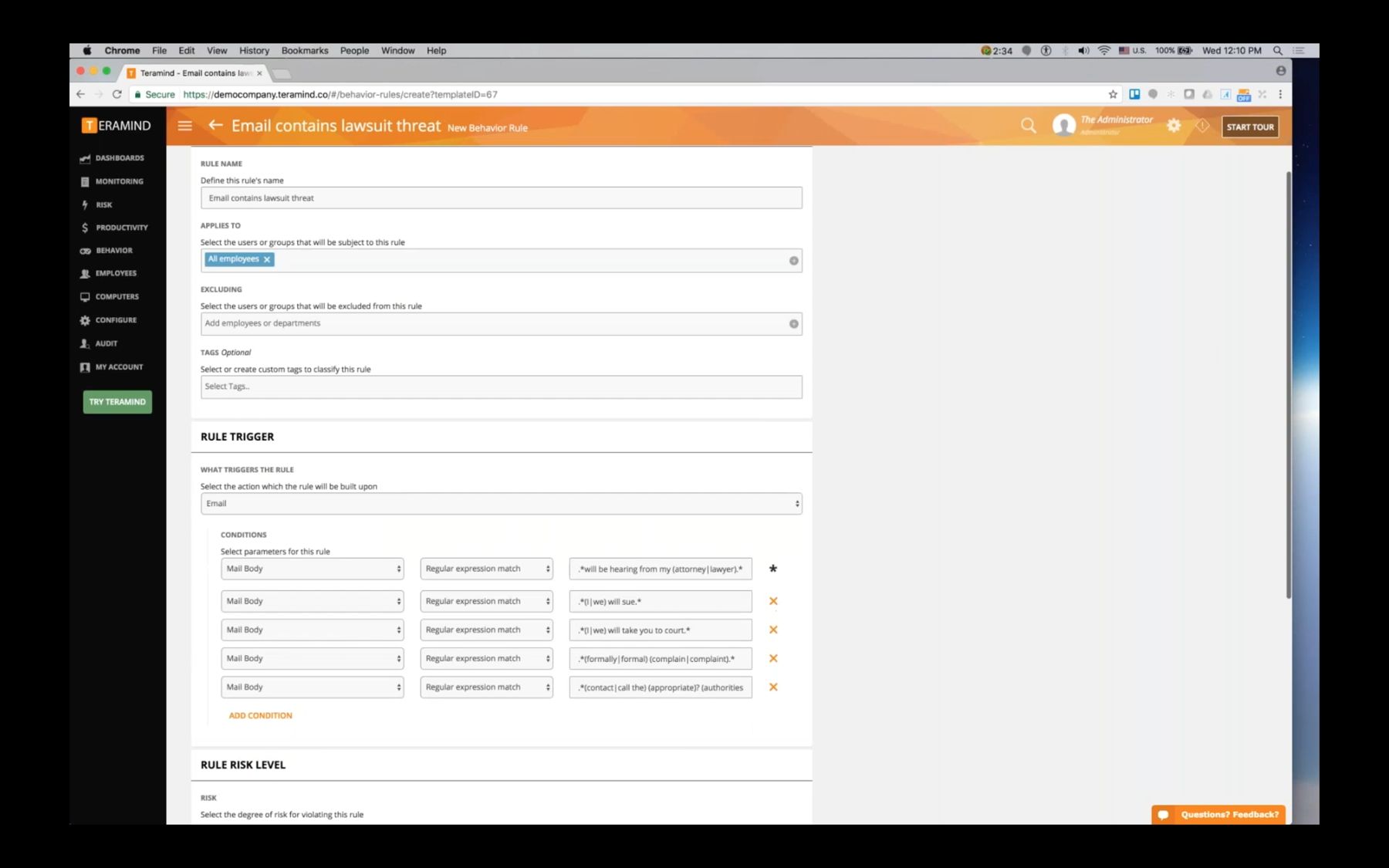
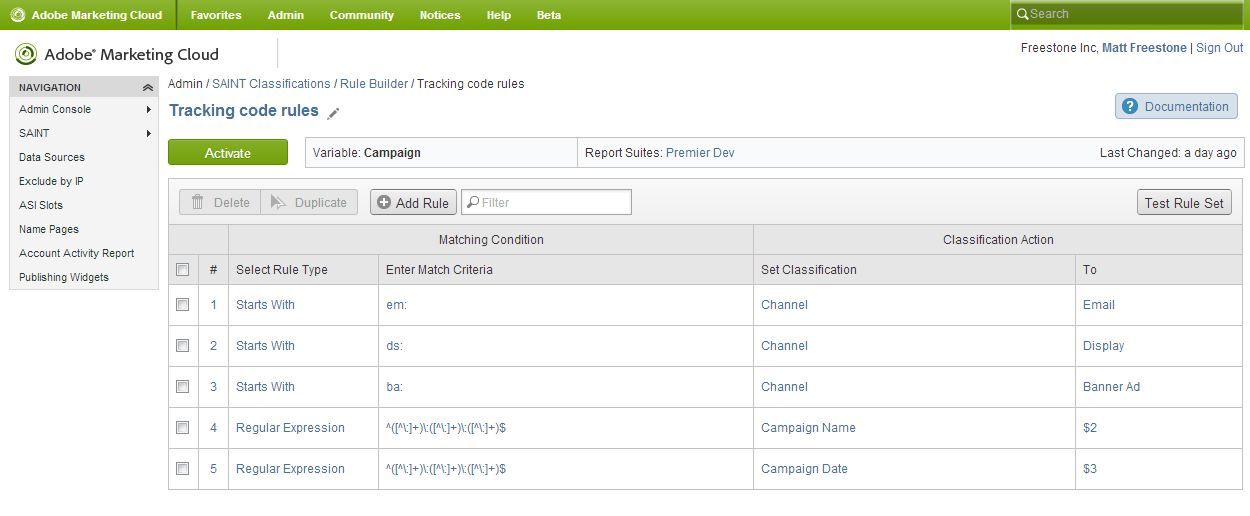
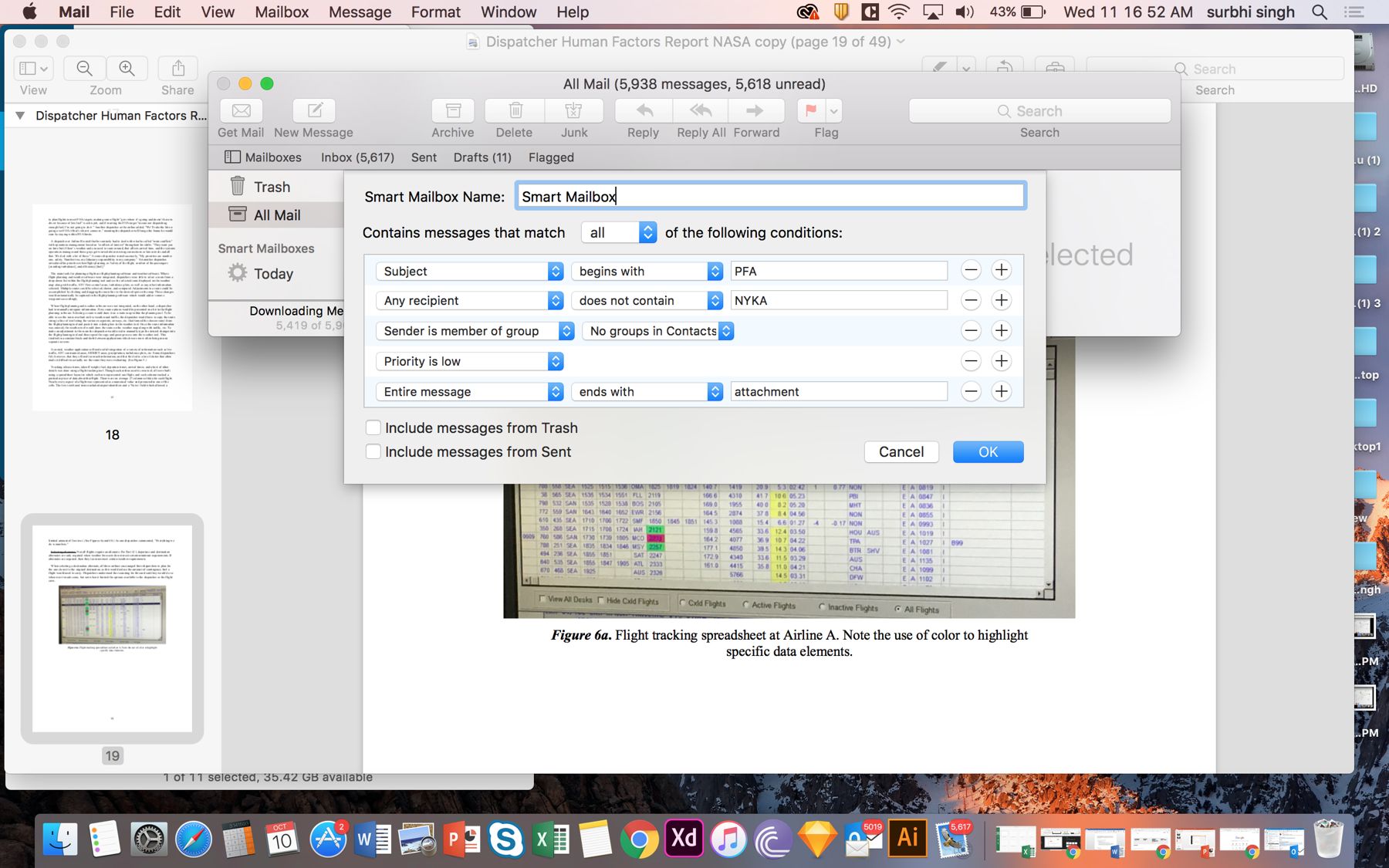
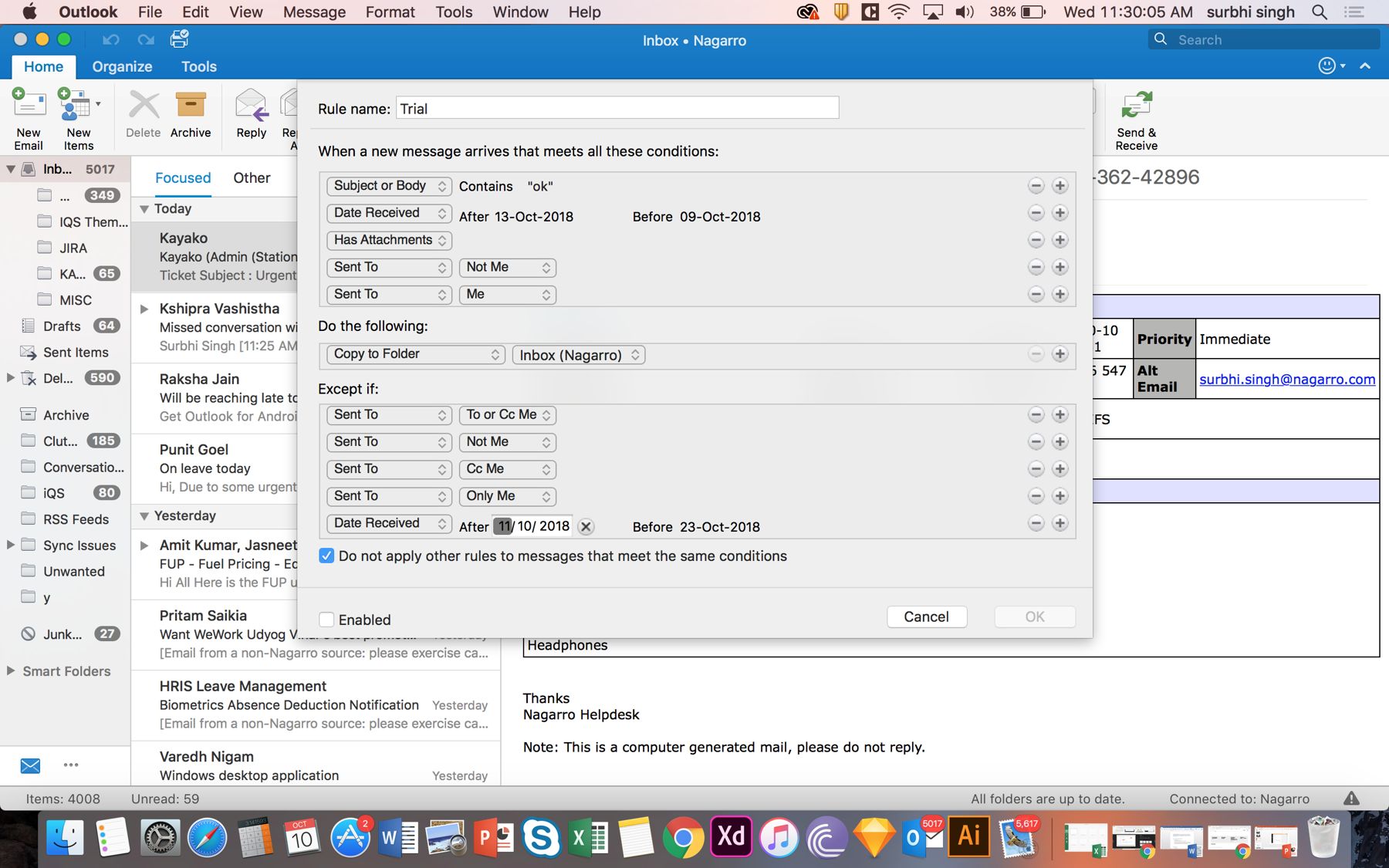
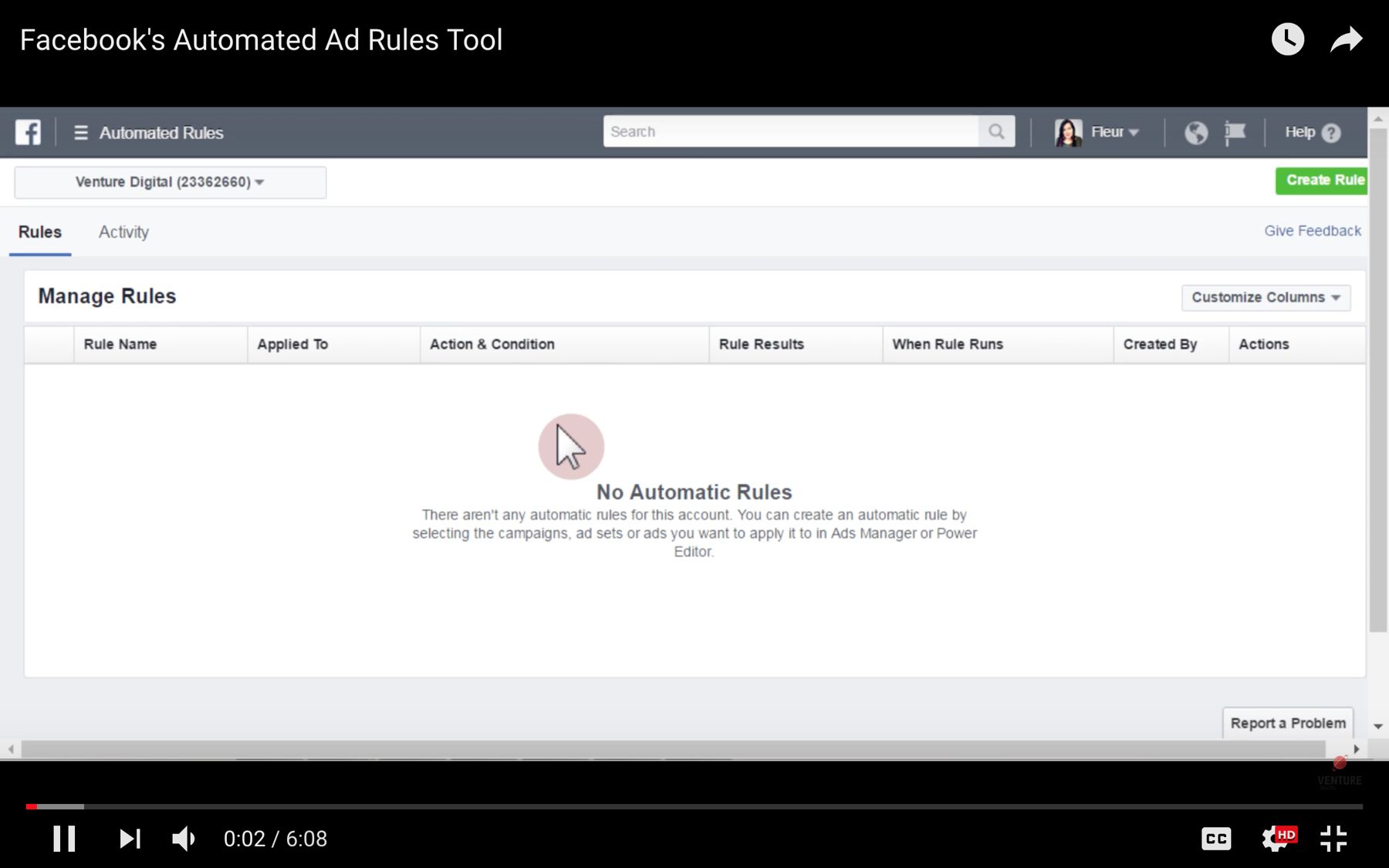
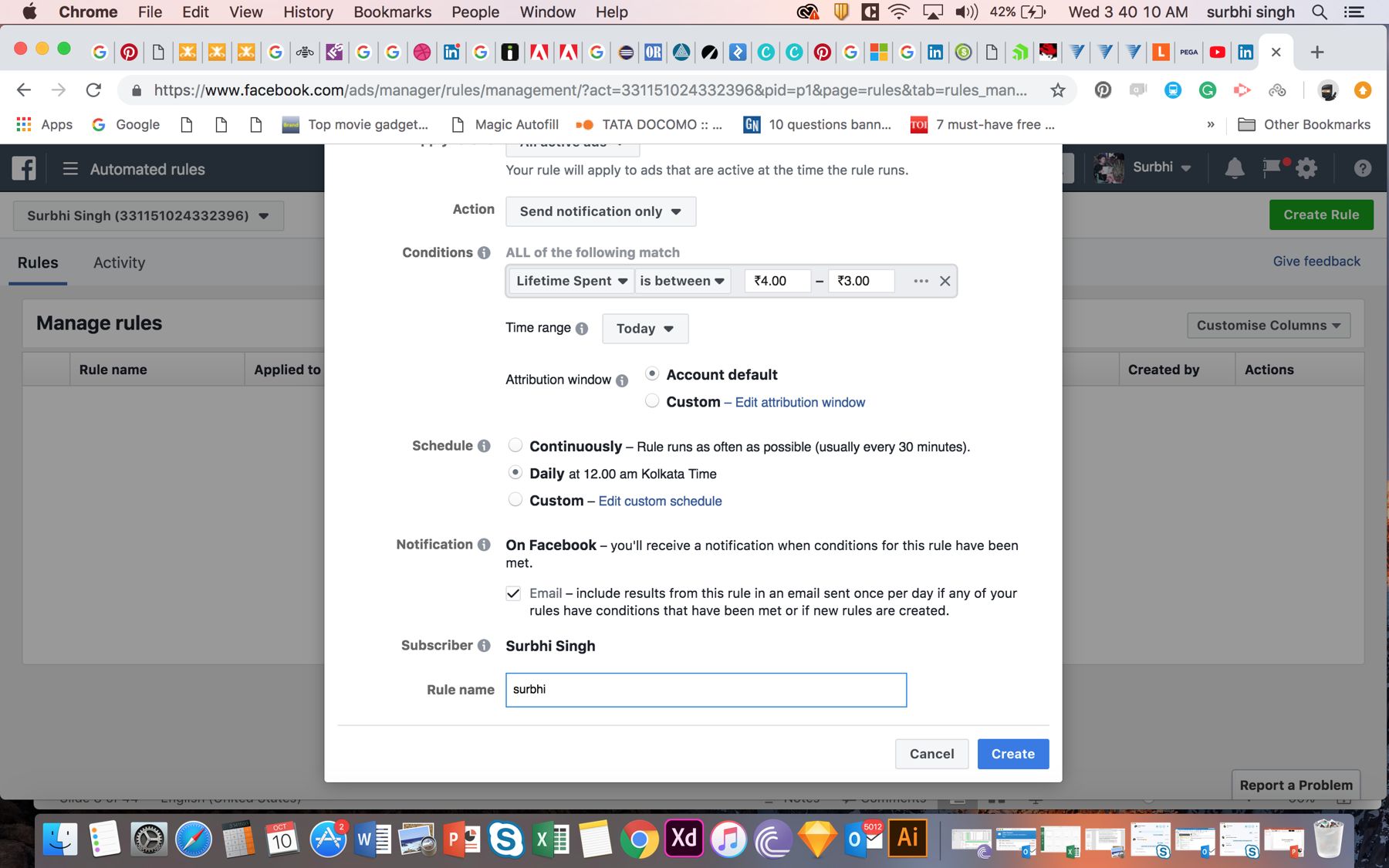
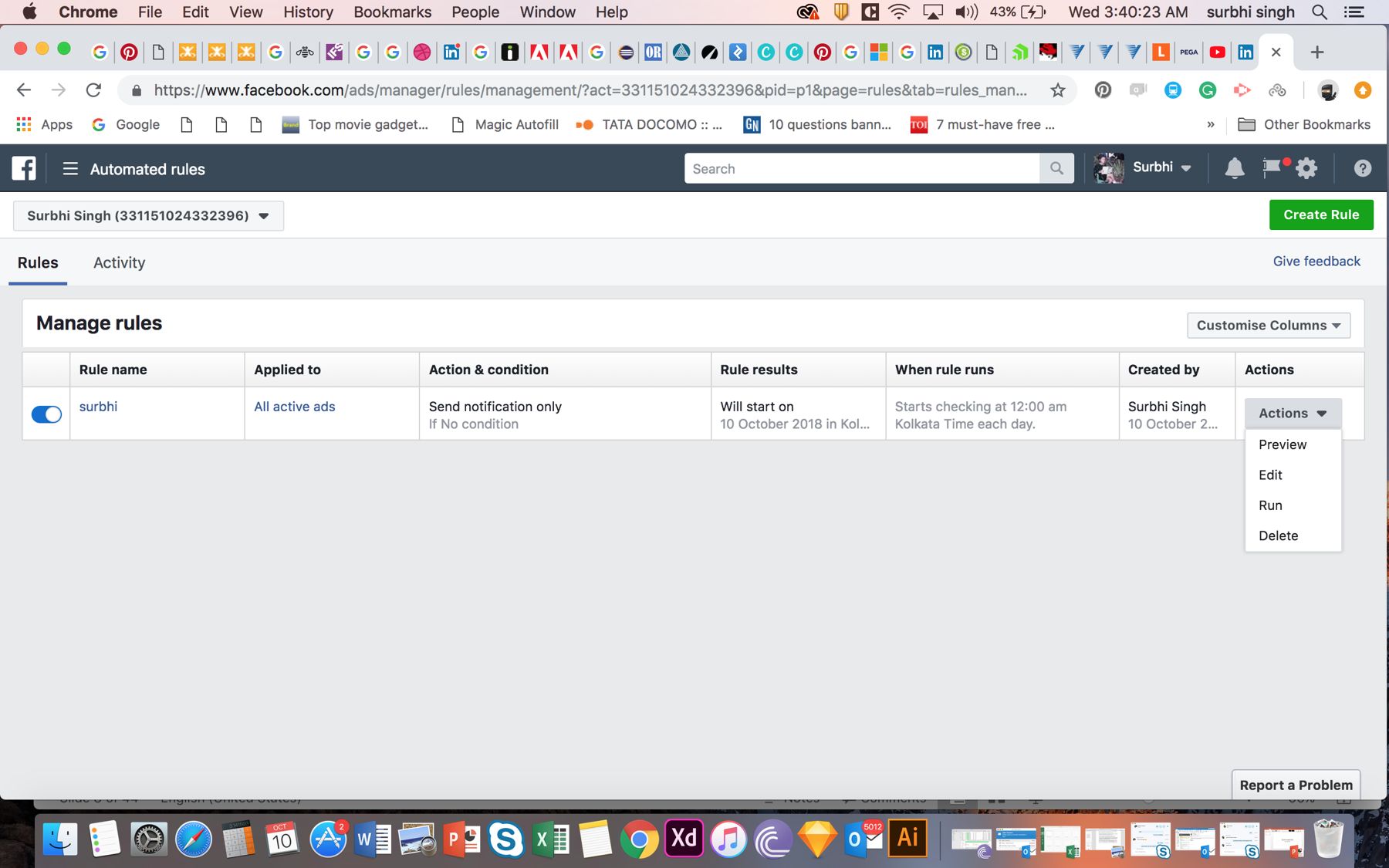
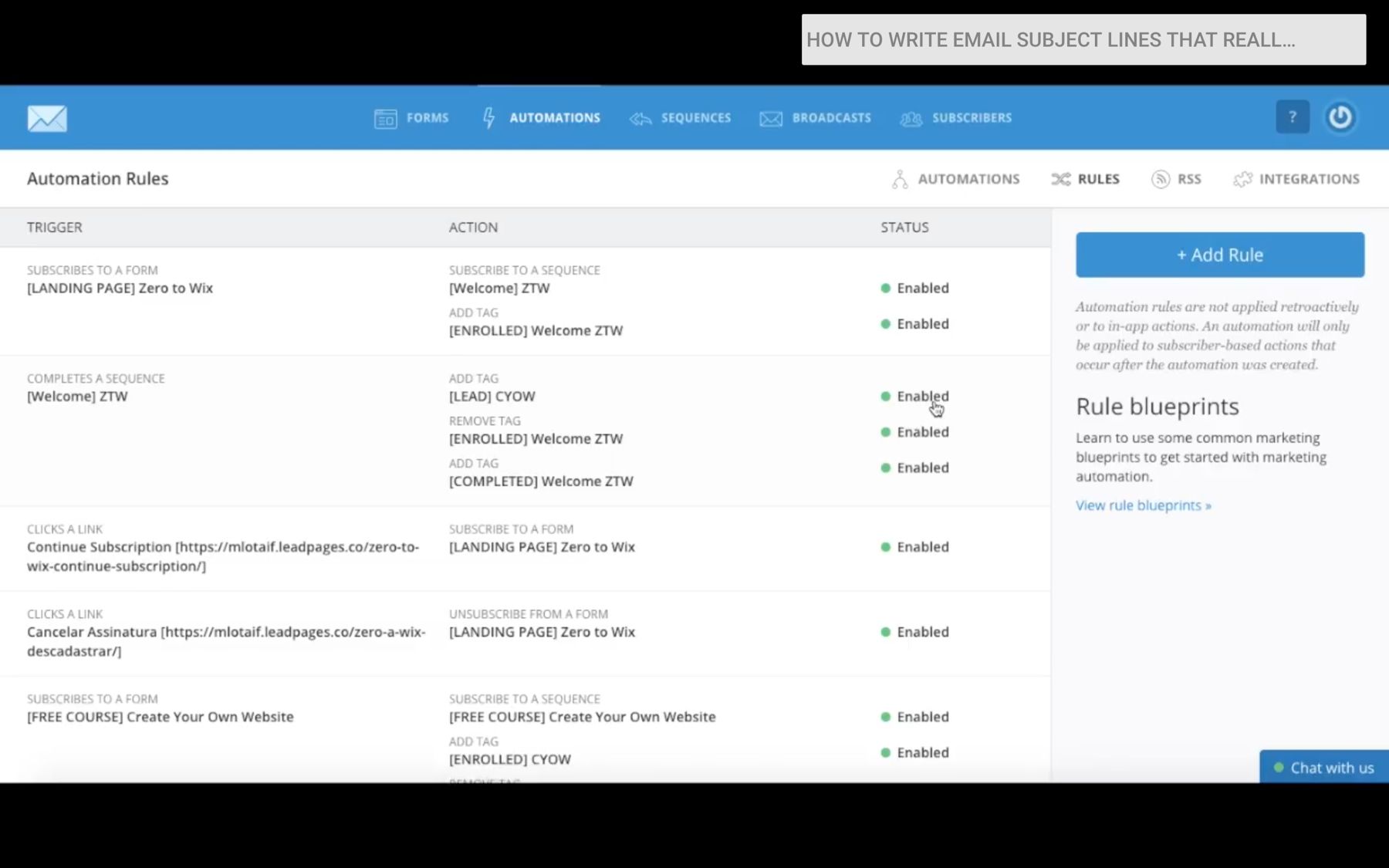
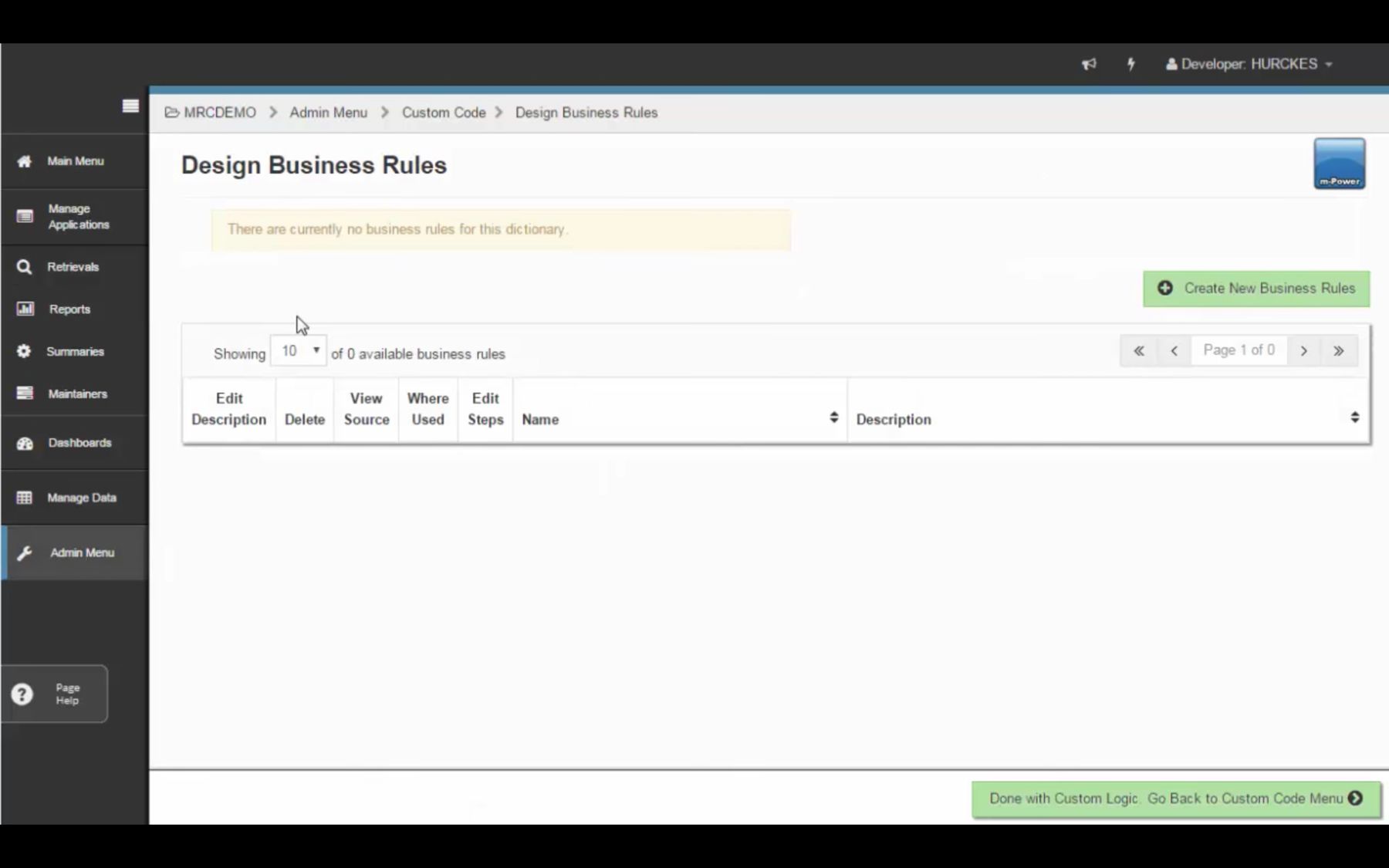
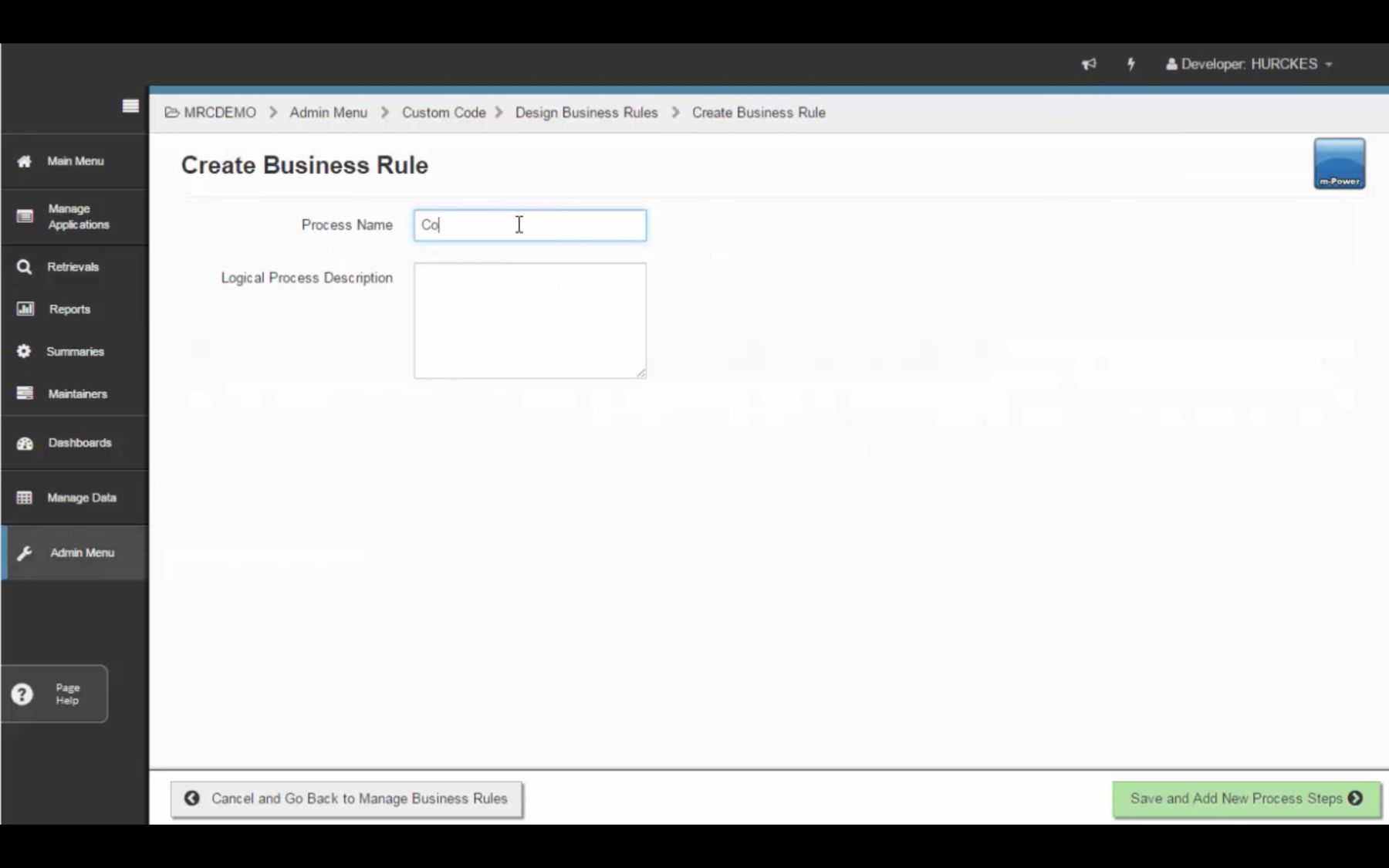
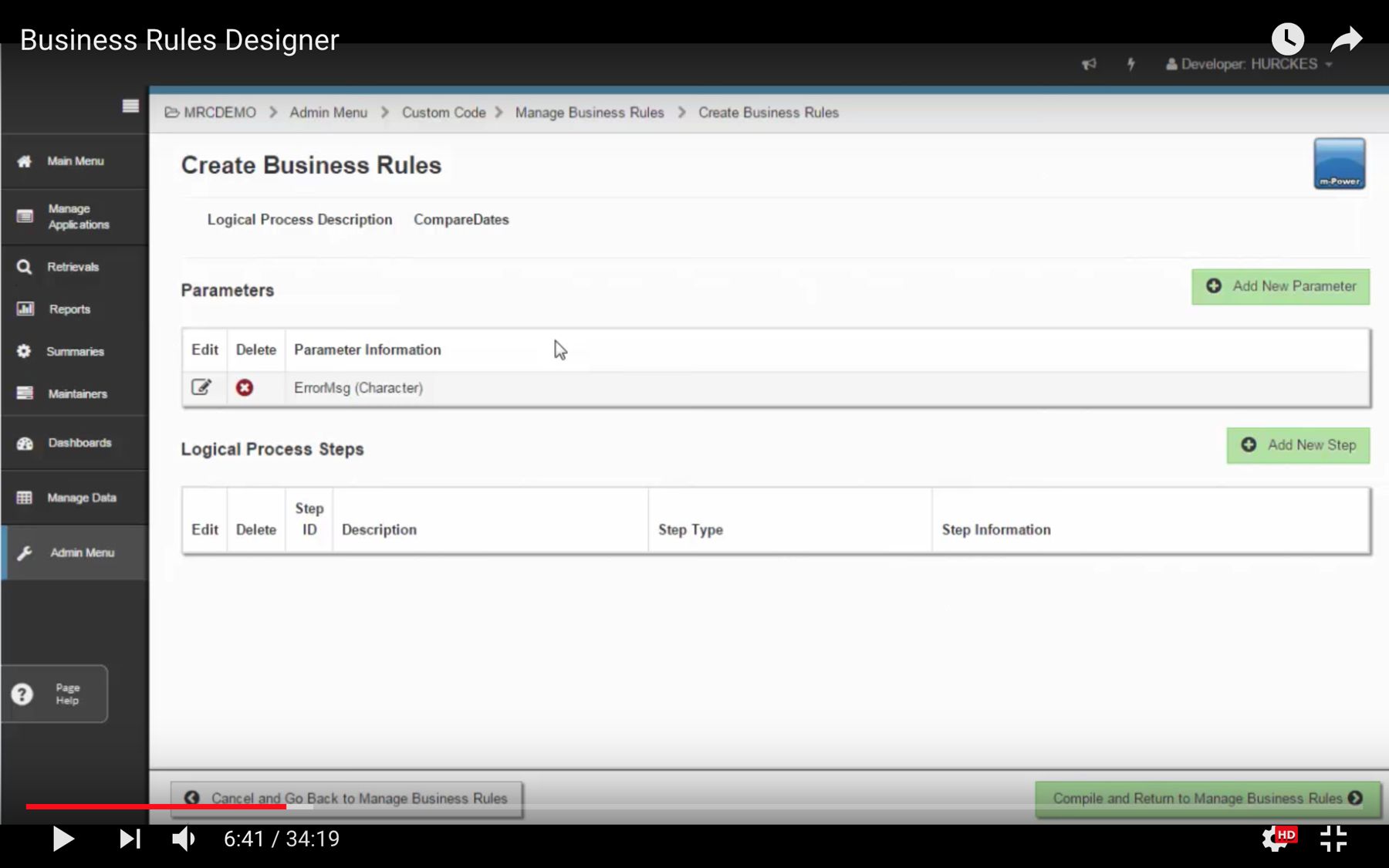
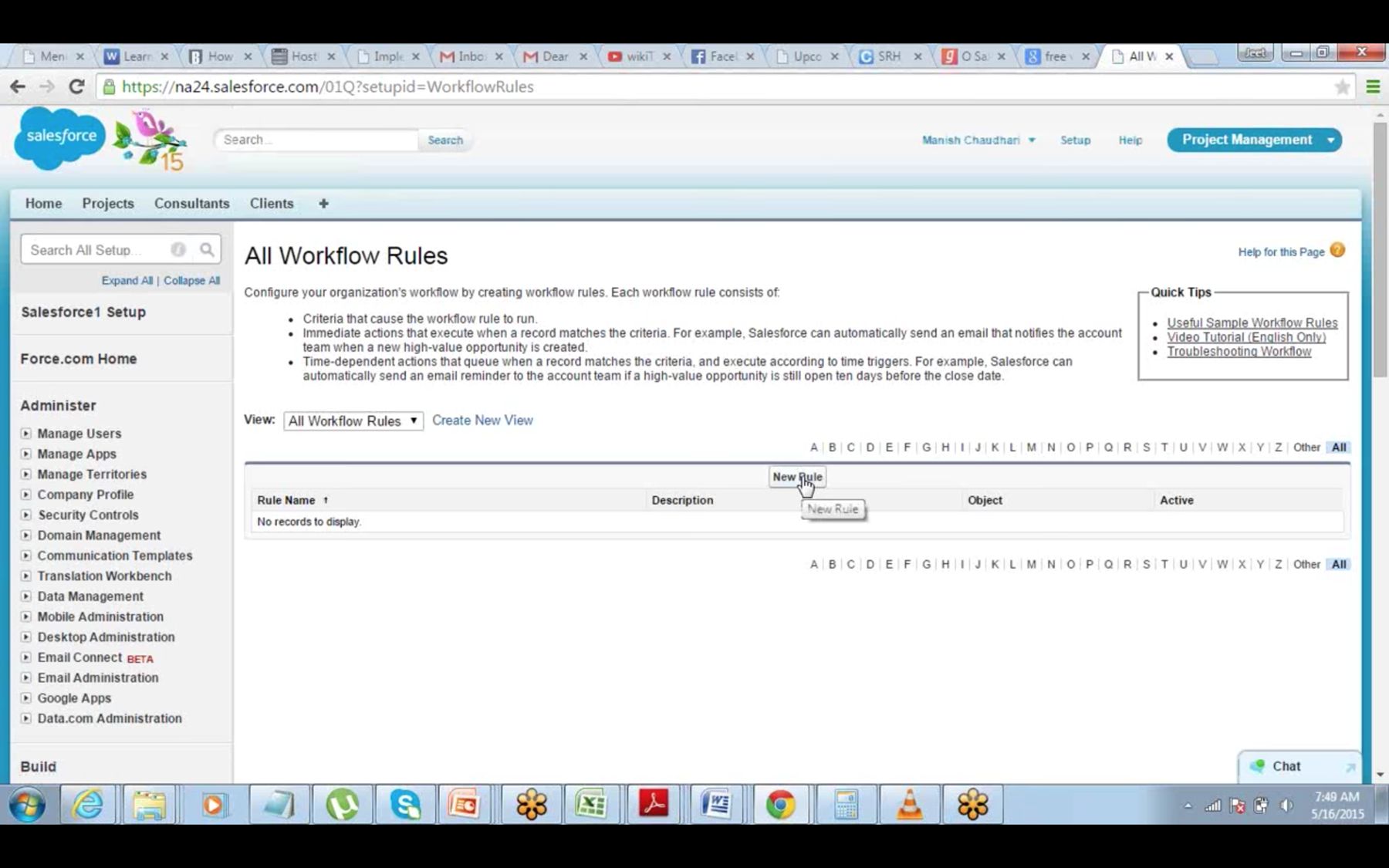
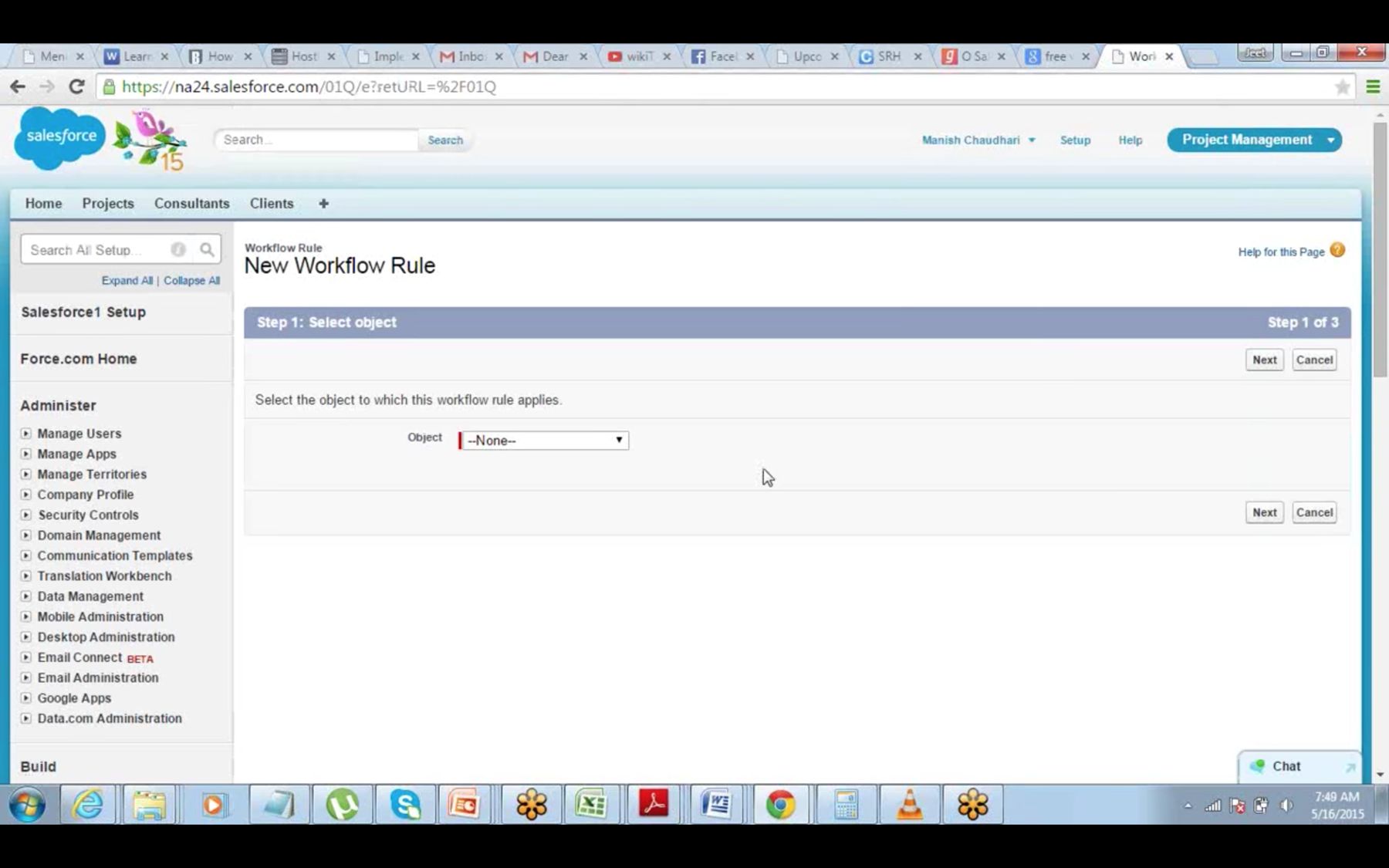
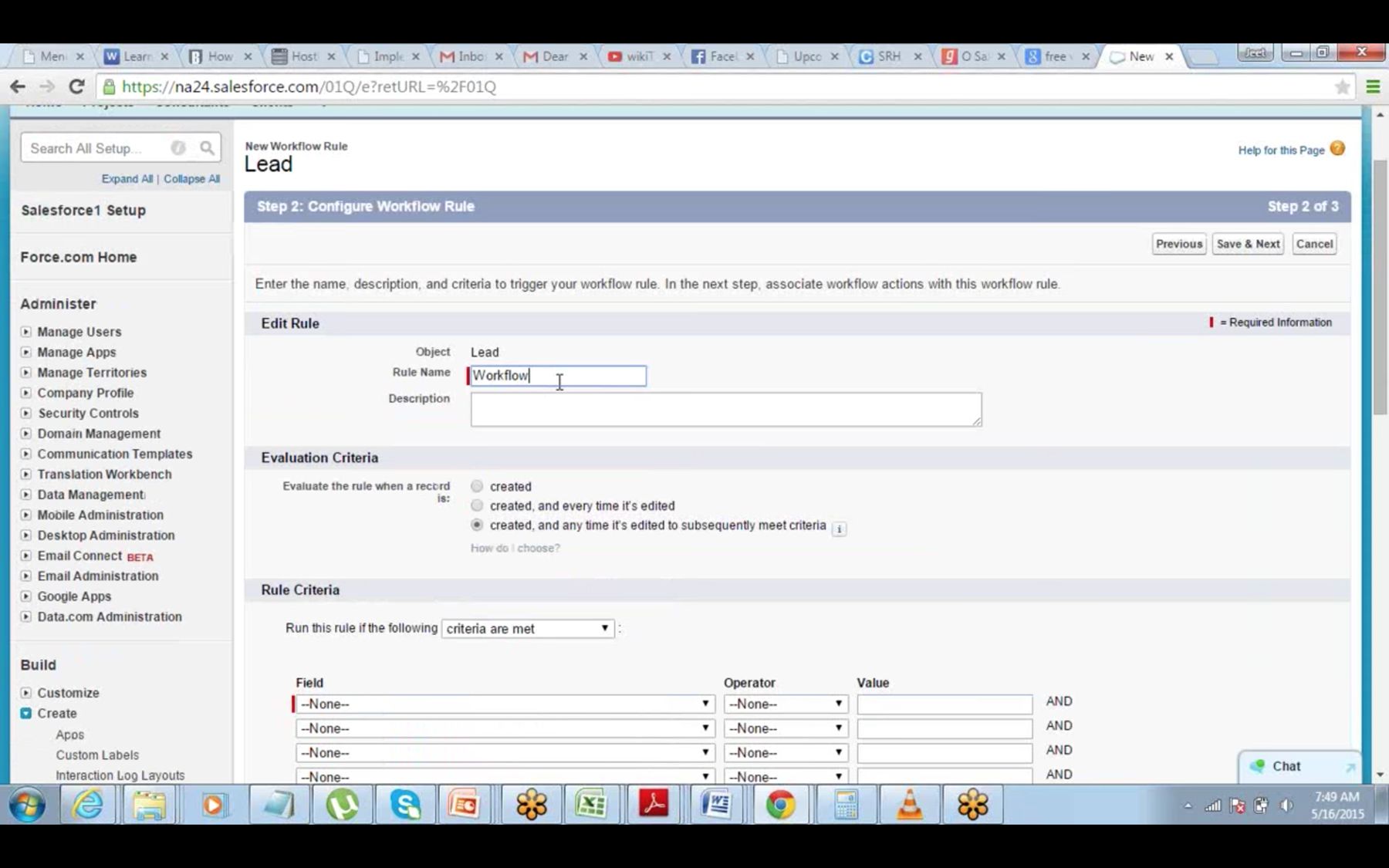
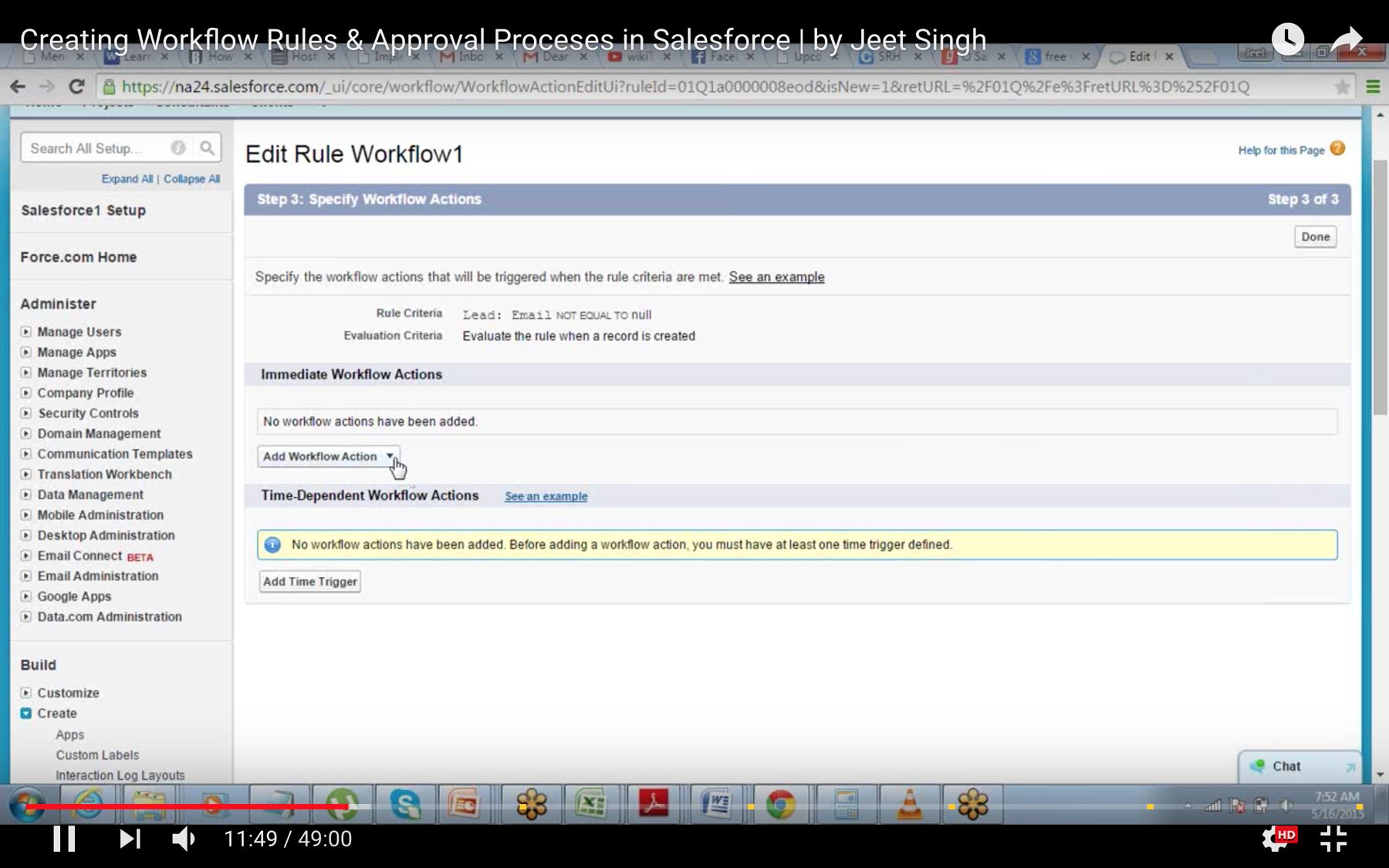
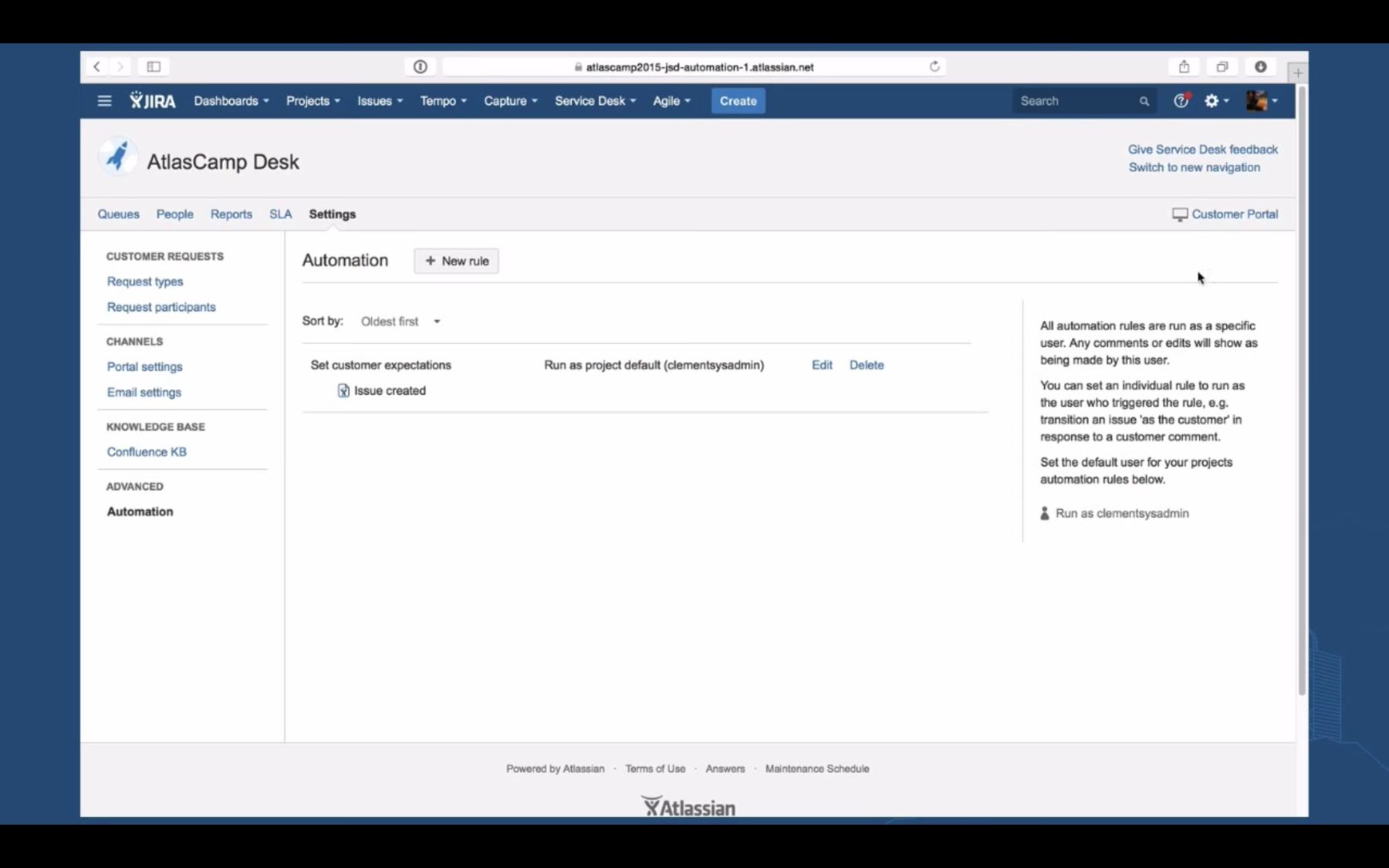
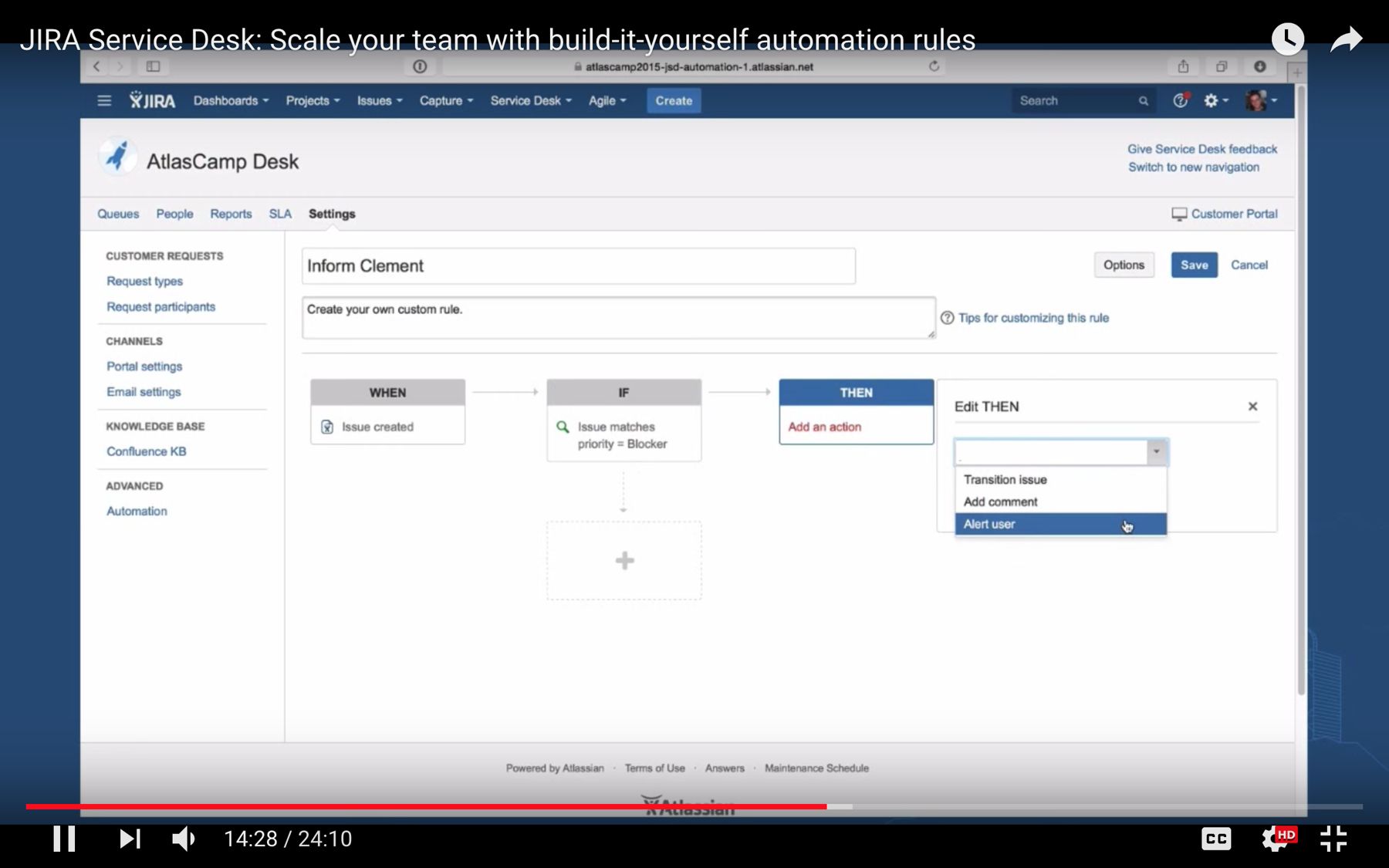
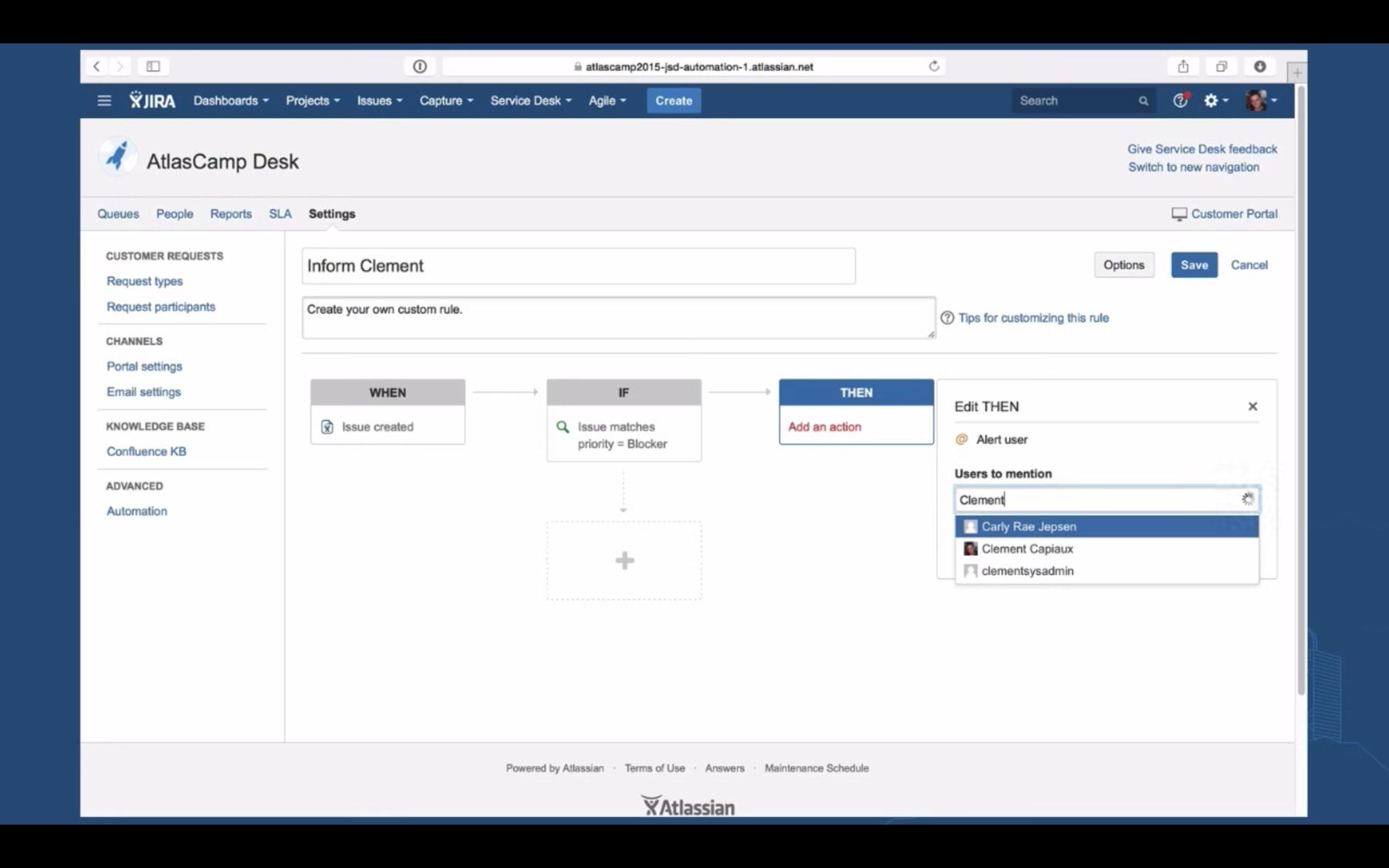
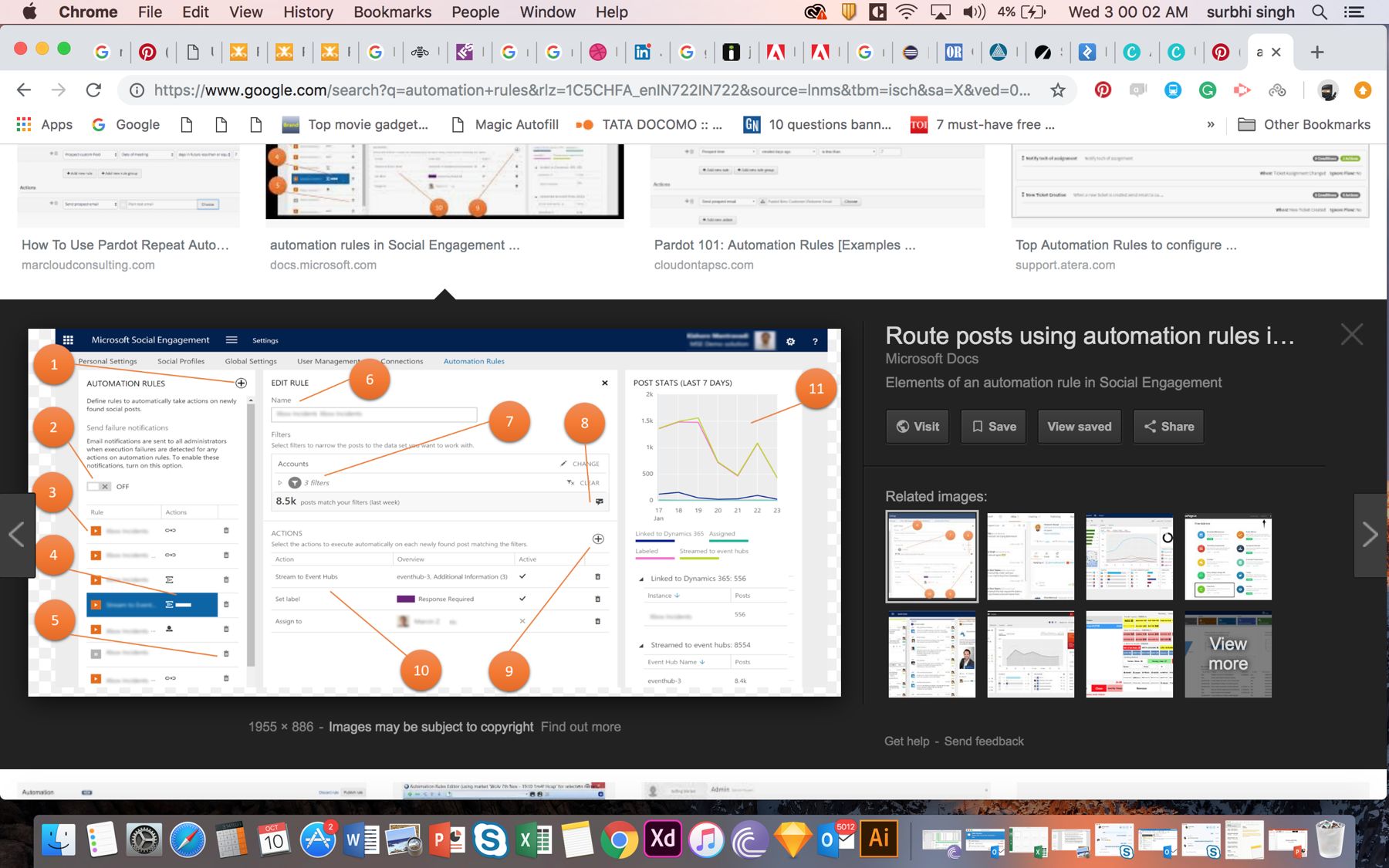
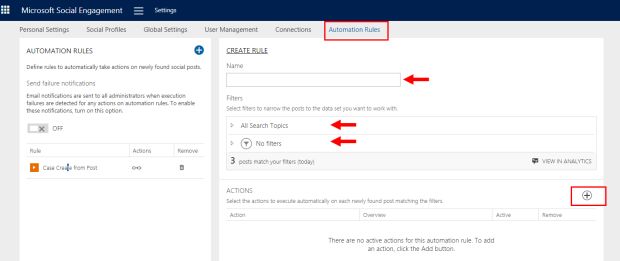
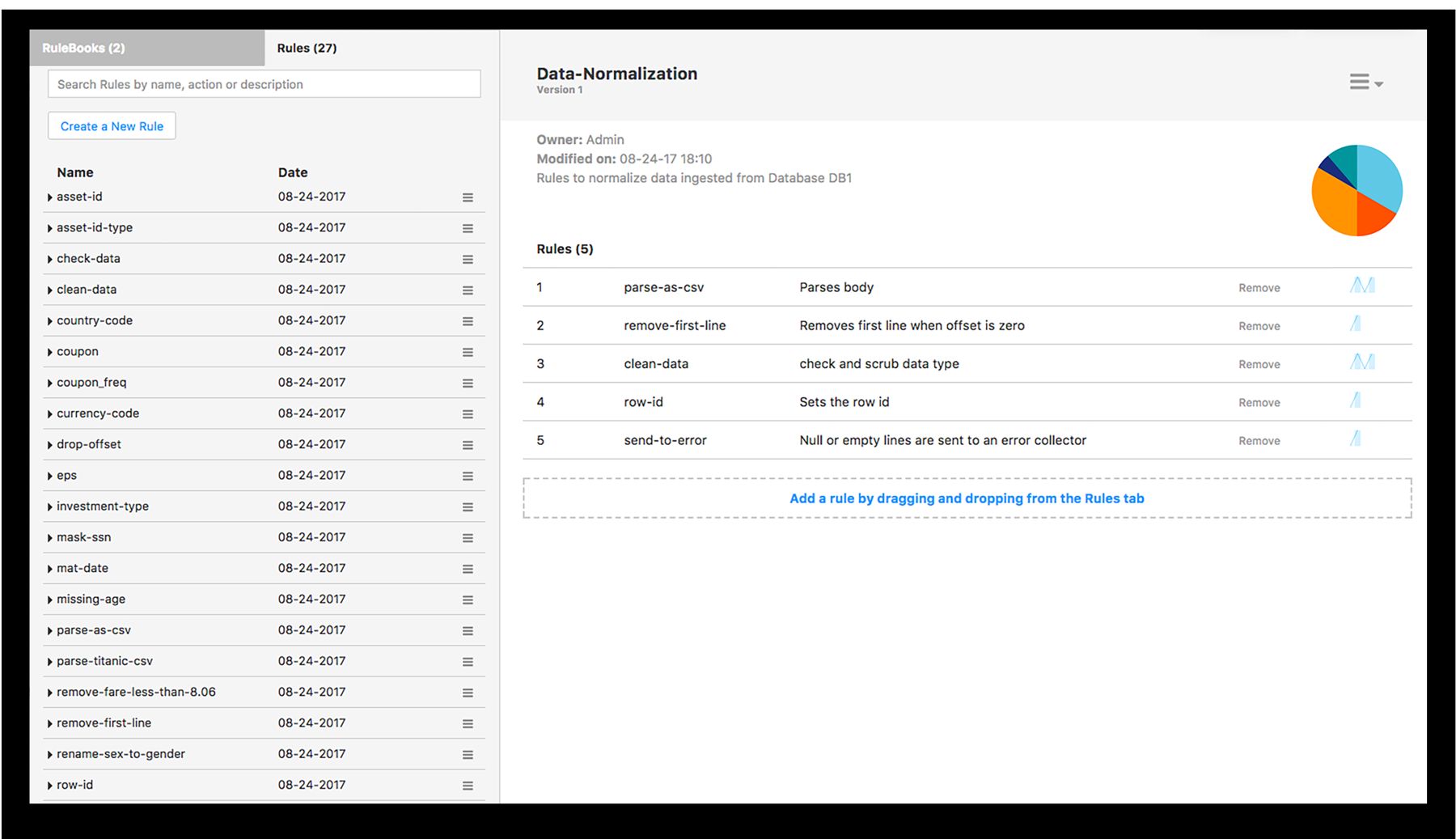
24 rule builders I reviewed, from Teramind to Microsoft
What we took from the market
- Rules as sentences, from iTunes smart playlists: values in bold, plain-English connectors. It became the rule list.
- List, then editor, from Outlook and Jira: see all rules with status and order, and open the editor beside them. It became the list plus drawer.
- Reusable audiences, from Facebook Ads saved audiences: define who once, reuse it. It became the Flight Leg Group.
The principle I wrote down as non-negotiable: a good rule reads like a sentence. If the user can read the rule back in plain language, they can trust it.
The insight
The hard part wasn't the action. It was picking the right flights.
Talking to the same back-office staff and dispatchers who used Classic every day, one complaint came up again and again, no matter which rule set we were discussing. Each rule set only has a few actions to pick from. Tankering has three. Speed has two. They already knew these cold. What they kept struggling with, every time, was picking exactly which flights the rule applies to.
Say a fuel rule, a tankering rule, and a monitoring rule all need the same flights: our Frankfurt A320s in the evening. Before, someone had to type that list out every single time. So I saved it once and gave it a name, the Flight Leg Group. Now any rule can just use it.
Scoping the work
Mapping the list, then ranking it
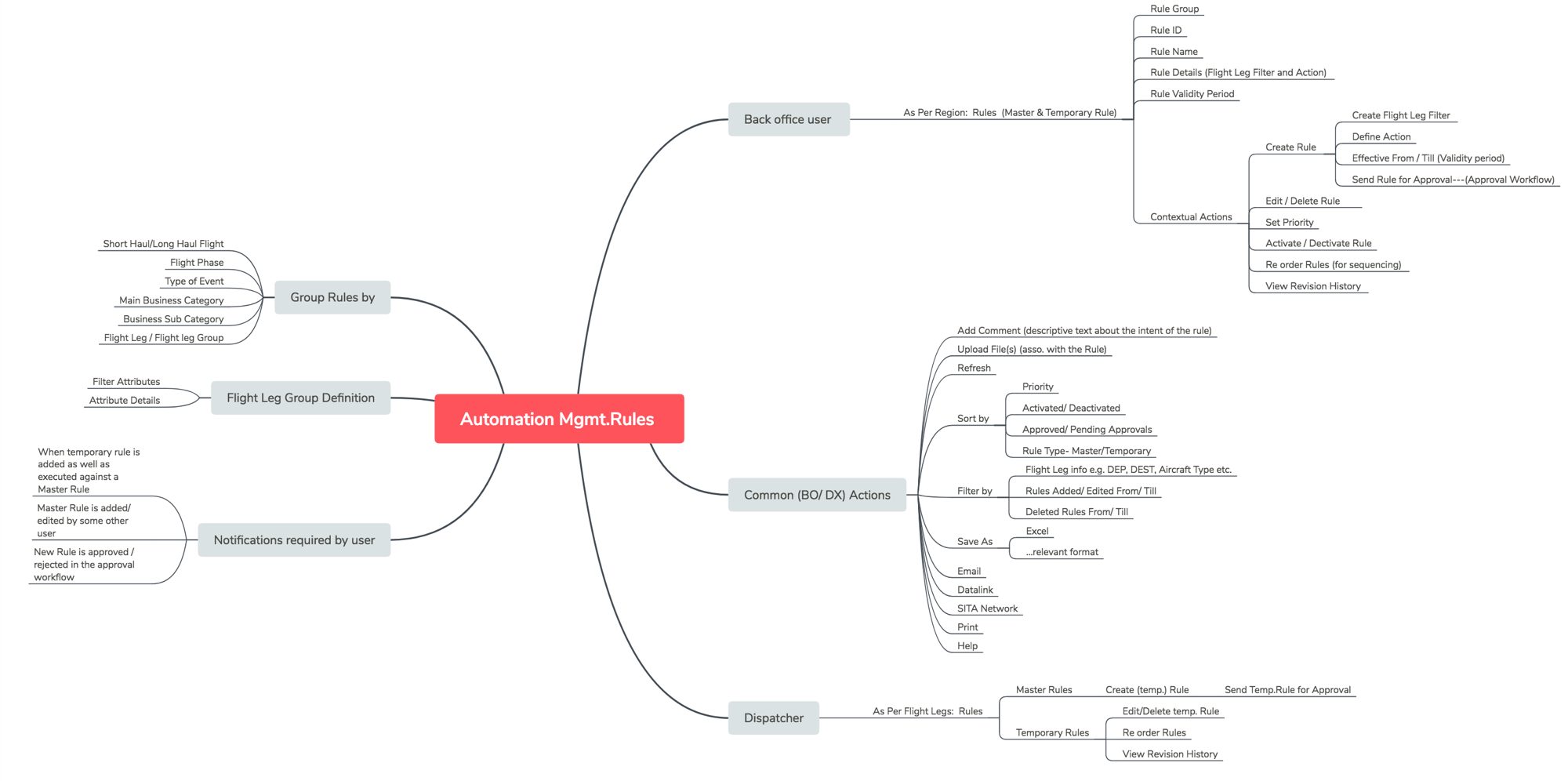
With the model settled, two quick planning steps before any screens: map every capability each role needed, by role, so nothing from Lido Classic got dropped by accident, then decide what to build first. Not every rule set deserved the same effort, so I ranked them on how often a rule changes, how long it stays valid, and how much business value it carries.
Modification
Modification
Modification
Business Value
Business Value
Modification
Left: temporary rules have short validity. Right: business value depends on the airline's general planning policy.
What I set aside
The path I set aside
Concept A put the filter (If) and action (Then) on one screen, with multiple pairs and drag to reorder. It was the fastest thing I drew for simple cases.
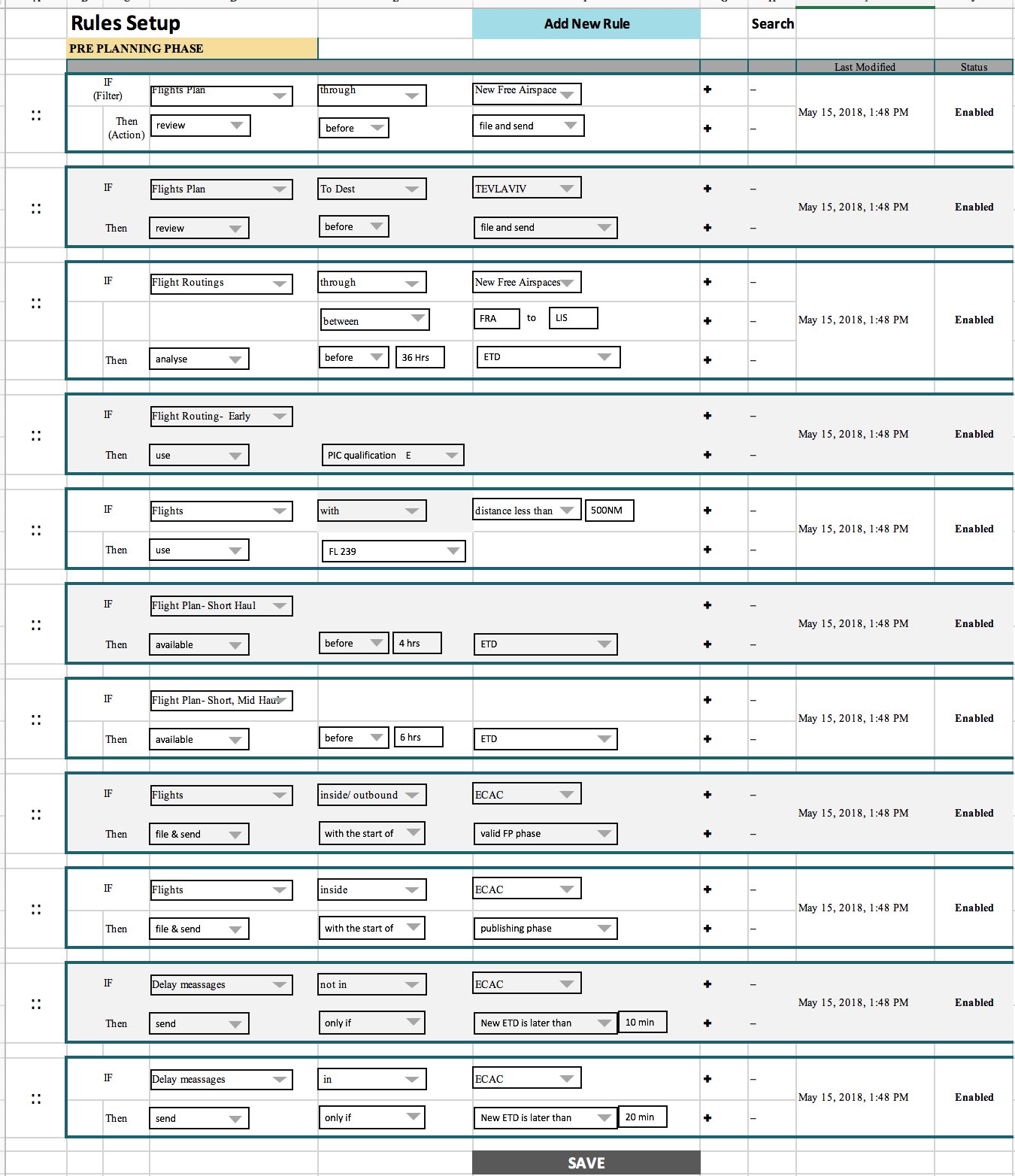
It lost because real rules have a filter, several conditions and structured instructions with units, which either hid fields or made the line huge. And the same filter was retyped in every rule. The idea survived as the rule list, not the editor.
The design
One screen per rule set, one model underneath
1. Rules that read as sentences
The left navigation mirrors the product team’s rule-set taxonomy: monitoring, planning parameters, publishing, thresholds. Pick a set and see only its rules. Five columns (rule name, flight legs, conditions, actions, priority) with values in bold and plain-English connectors, so a manager can audit the set by reading down. Priority is visible and draggable, and the last row is a locked default rule for all flights, so nothing falls through.
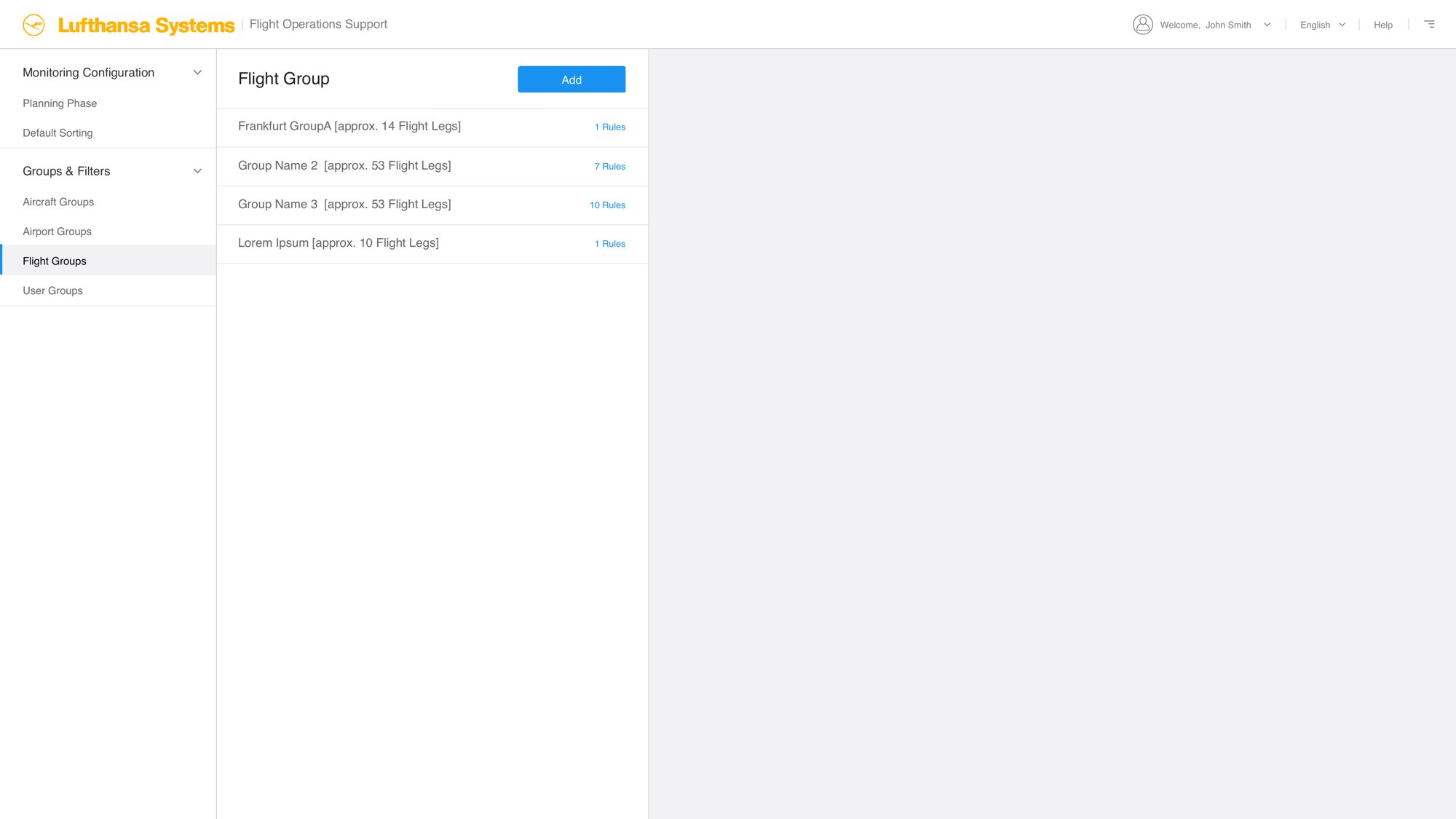
2. Flight Leg Groups: build the filter, then watch it work
Each group shows how many legs it catches and how many rules use it. Criteria are added one at a time from four categories: flight, time window, airport and aircraft. “View flight legs selected” lists the real flights a filter catches, replacing Classic’s dummy-flight test with a live answer to “did I select the flights I meant?”
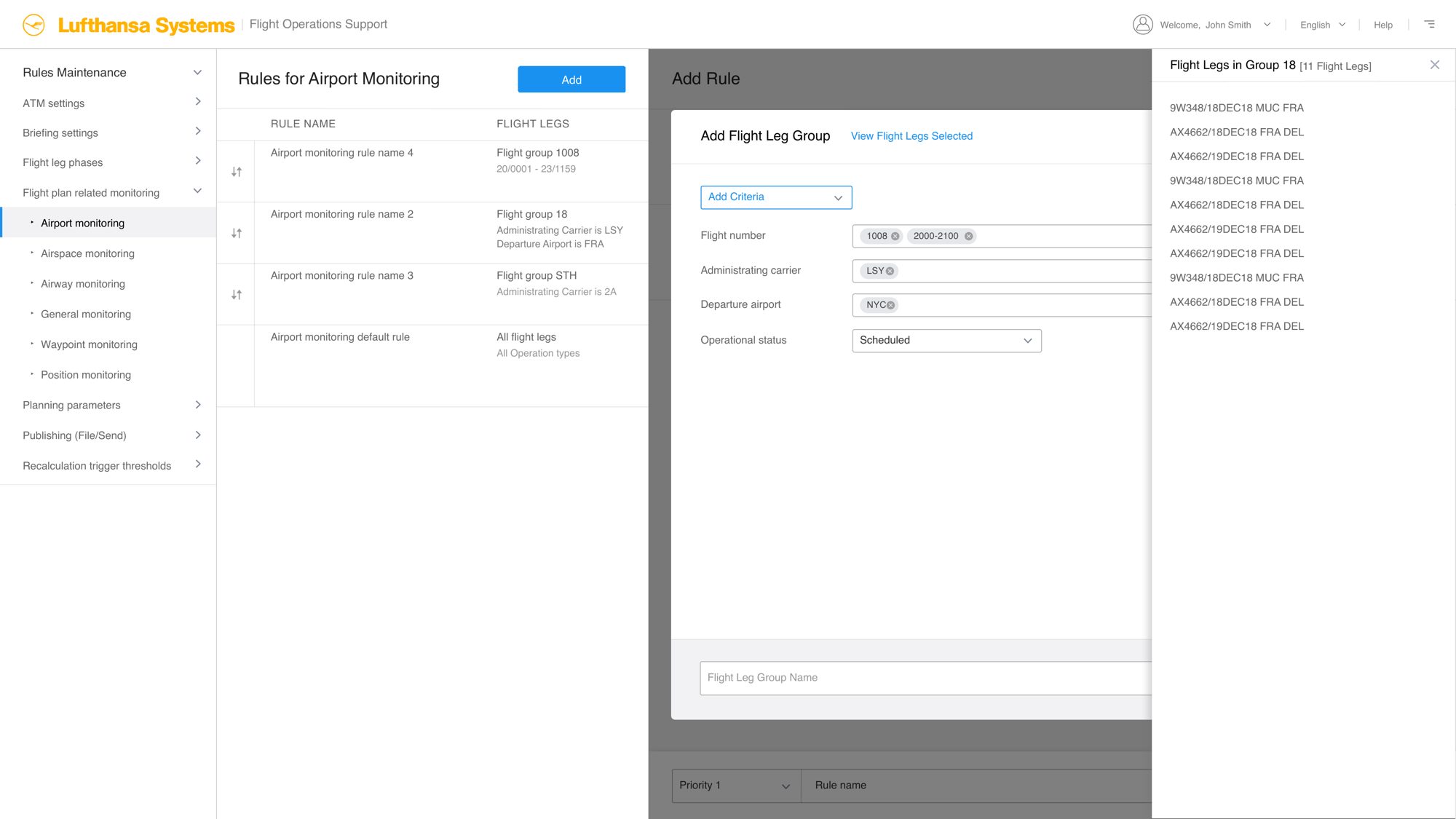
3. Add and edit in place
A drawer opens over the list with three stacked steps: group, conditions, actions. Name and priority sit in a fixed footer. New groups and the legs preview open as extra layers, so users never lose their place.
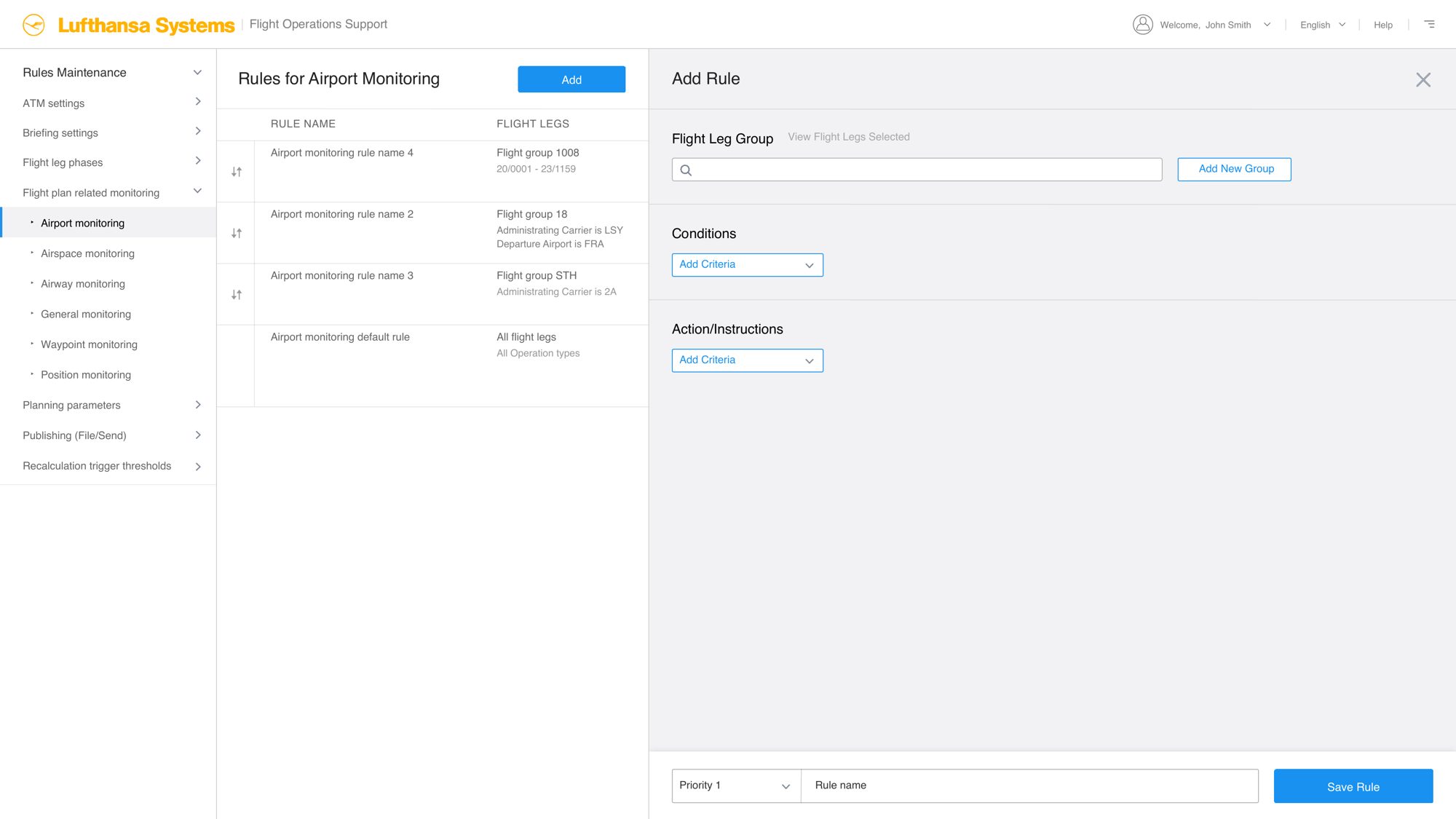
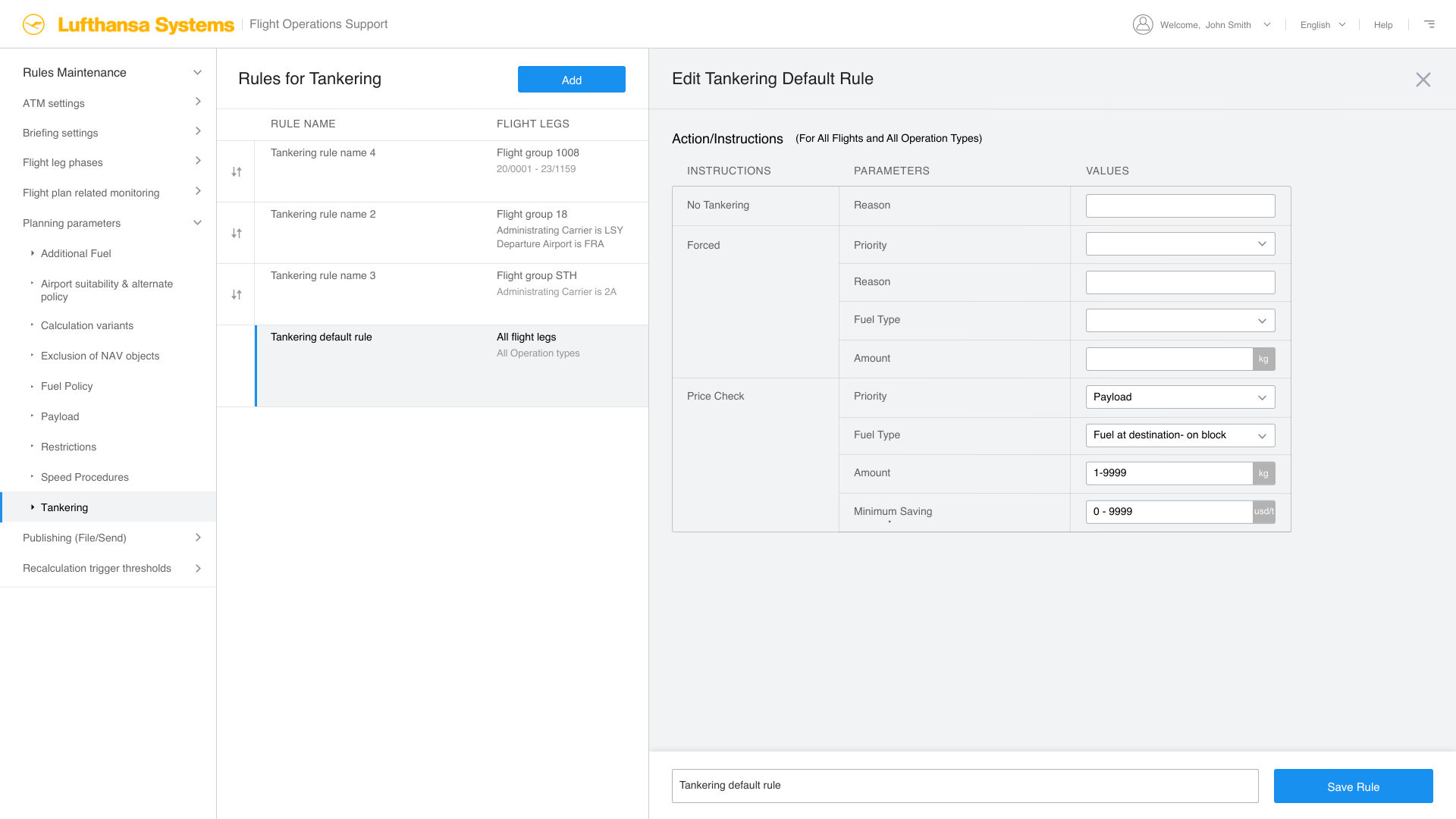
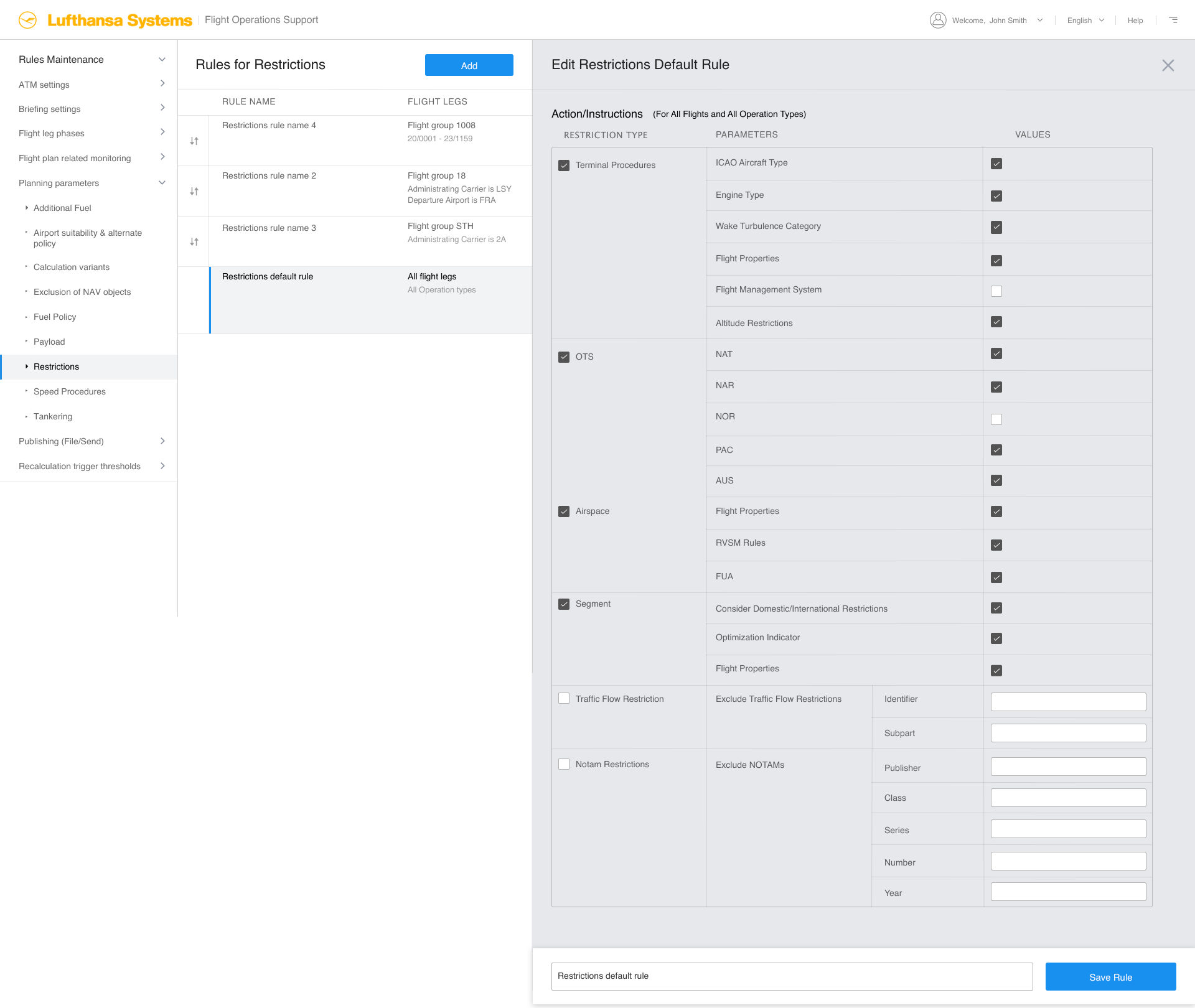
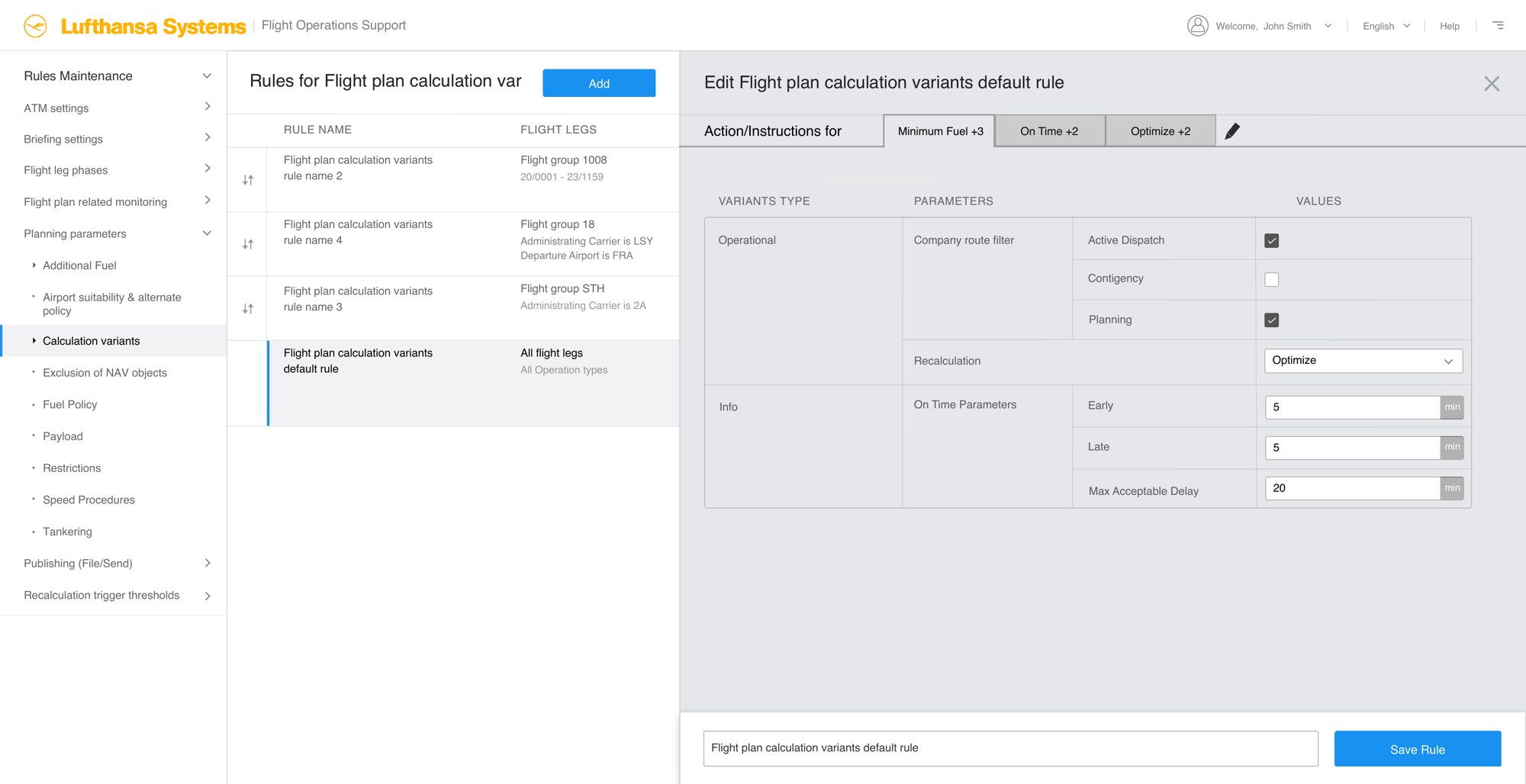
4. Action editors shaped to each domain
Experts know what they want, so each editor is shaped to its domain instead of forcing everything through one generic form.
- Tankering: no tankering, forced or price check, with fuel type, amount and minimum saving
- Speed procedure: aircraft default or ECON, with cost index
- Restrictions: a checklist of terminal procedures, NAT / NAR / PAC / AUS, RVSM, FUA and NOTAM exclusions
- Calculation variants: optimisation criterion, calculation job, company routes, on-time minutes
- Airport monitoring: who to inform, with what, at what severity
5. The dispatcher’s path
Dispatchers never enter Rules Maintenance. From a flight leg they see its rules by topic and override for that leg only. The master rule is untouched, and the override expires with the flight.
Outcome
Outcome
High-fidelity concepts for the rule list, the add/edit drawer, flight leg groups with live preview, the dispatcher override, and action editors for six rule sets.
Reflection
What I learned
- Find the reusable object. One thing is usually redefined inside every record. Pull it out, name it, make it previewable.
- Low frequency beats complexity. A tool used twice a year must be readable at a glance, so saved state matters more than entry speed.
- Don’t push translation onto users. Use domain-shaped forms where experts know what they want, and one shared model only where it is truly shared.
- Show the consequence. Seeing which flights a rule will touch builds more confidence than a tidy form.
Appendix
Appendix: the wireframes
A selection of the 24 wireframes, grouped by flow.
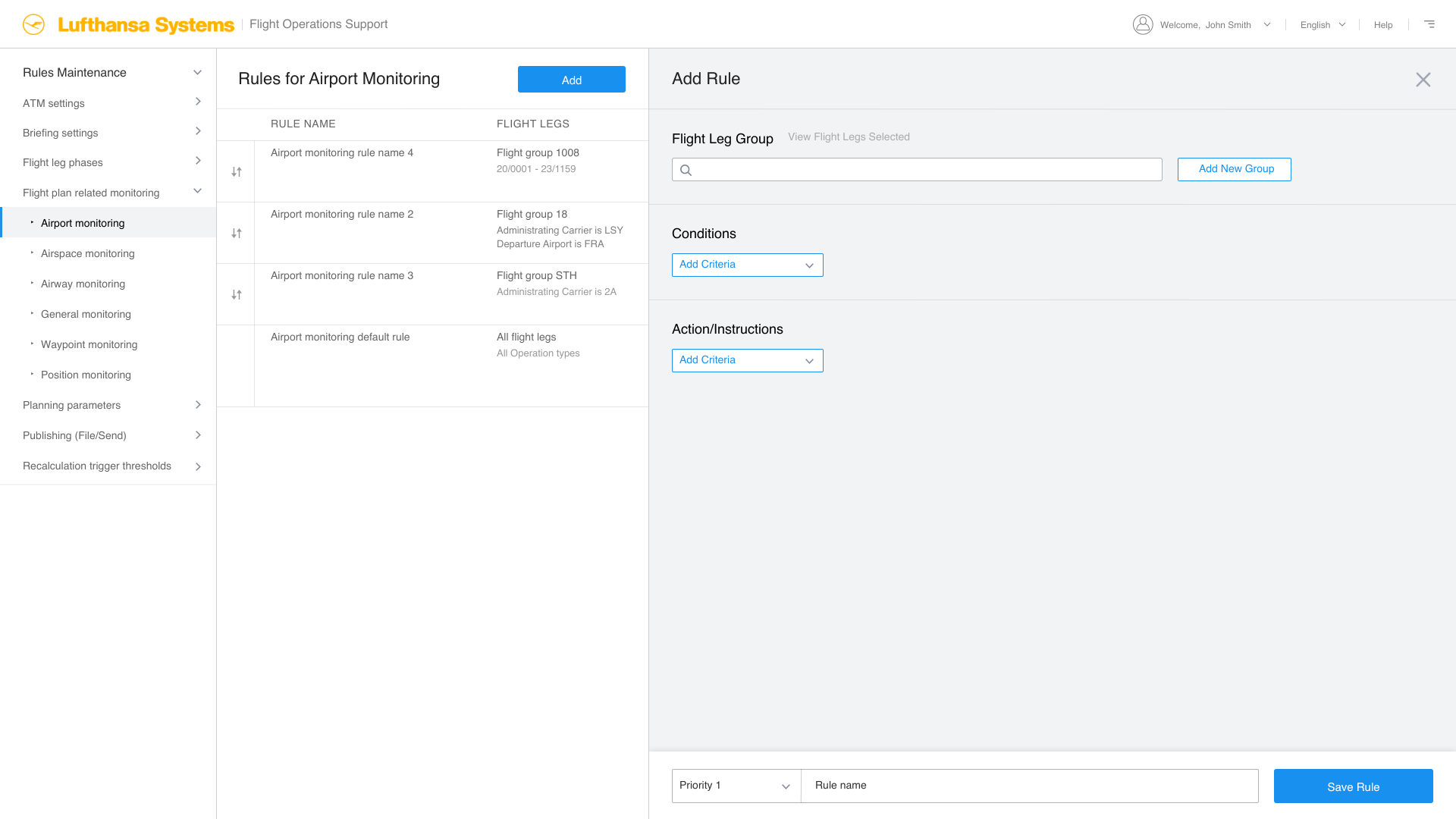
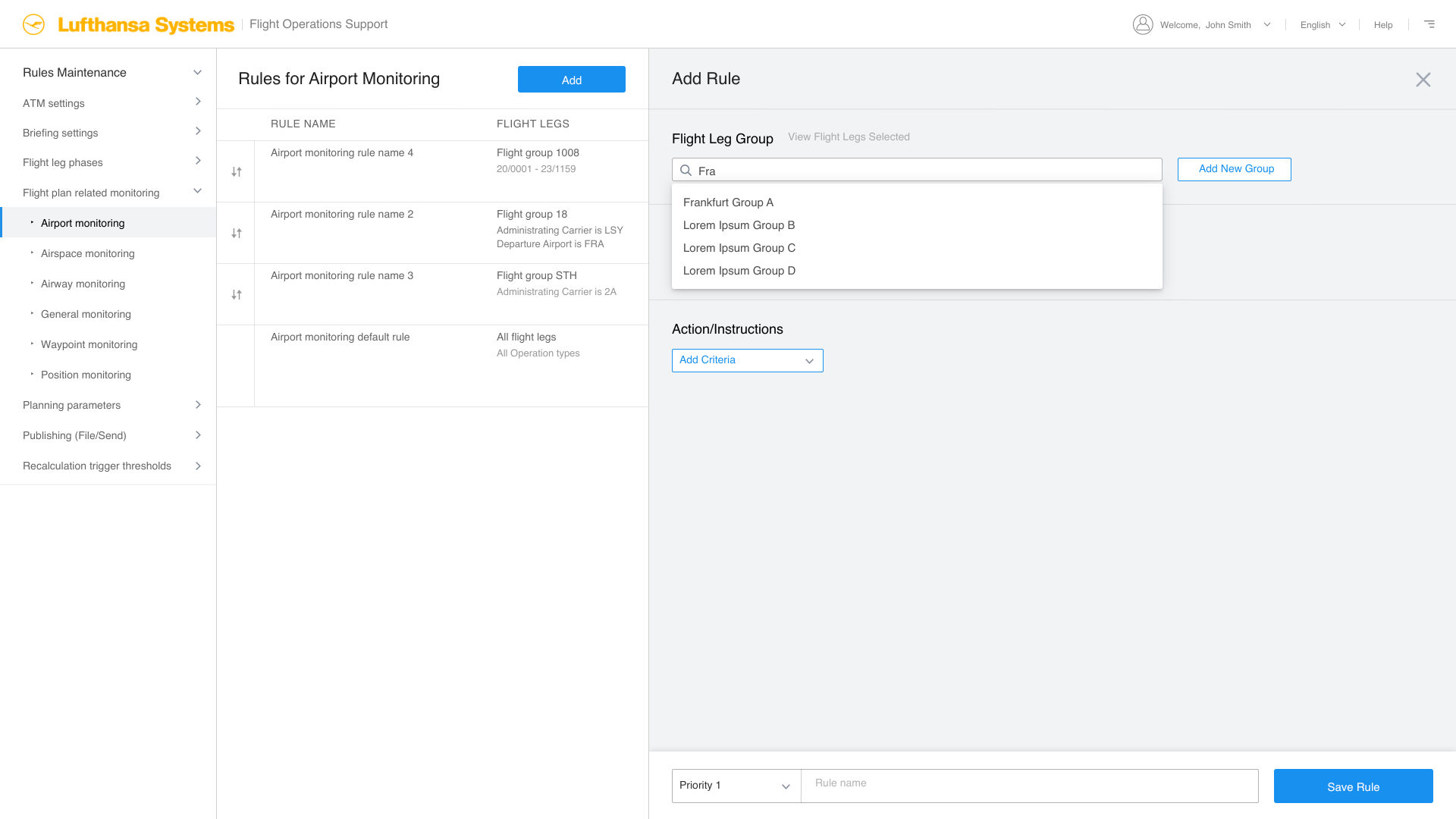
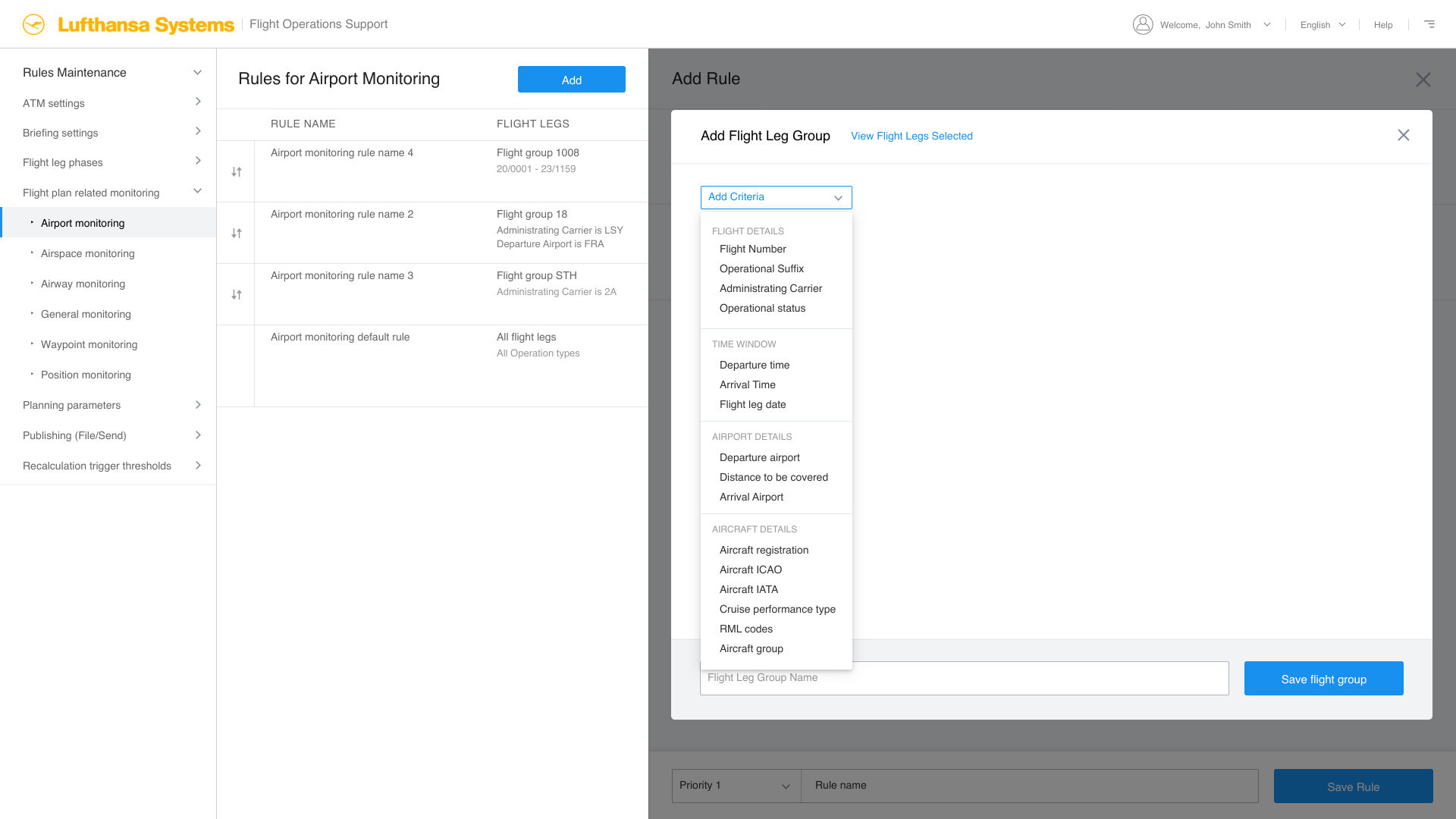
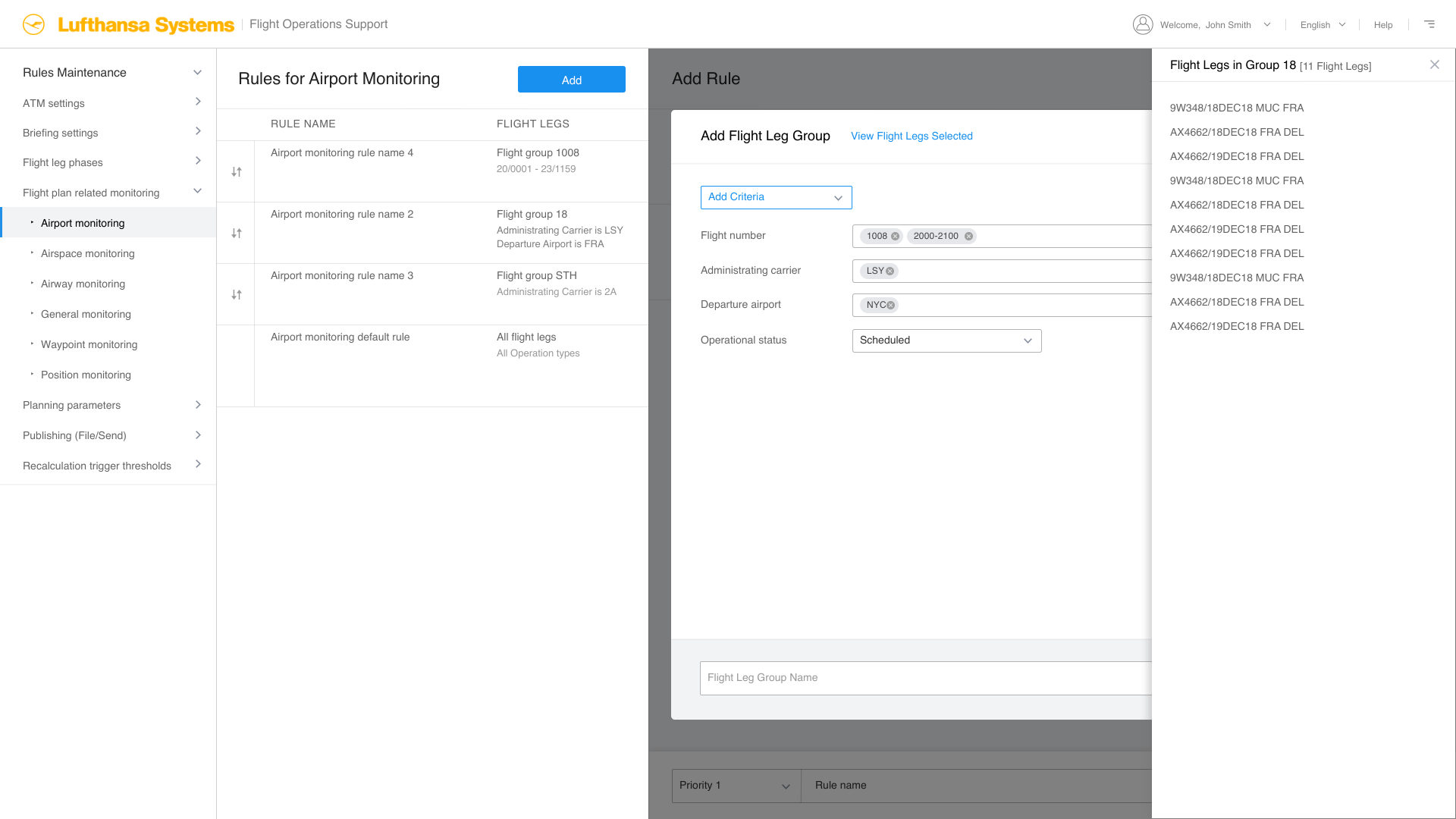
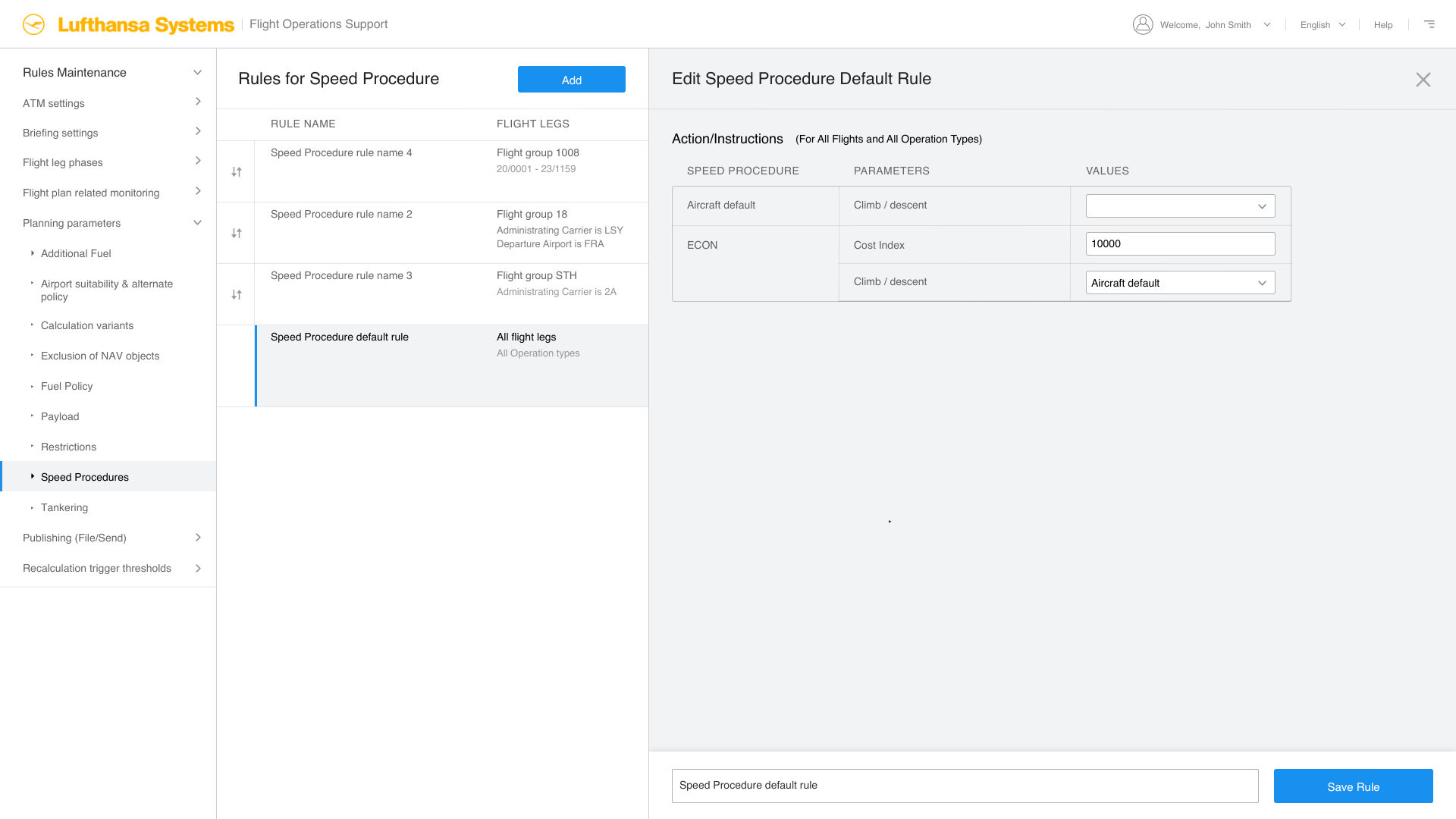
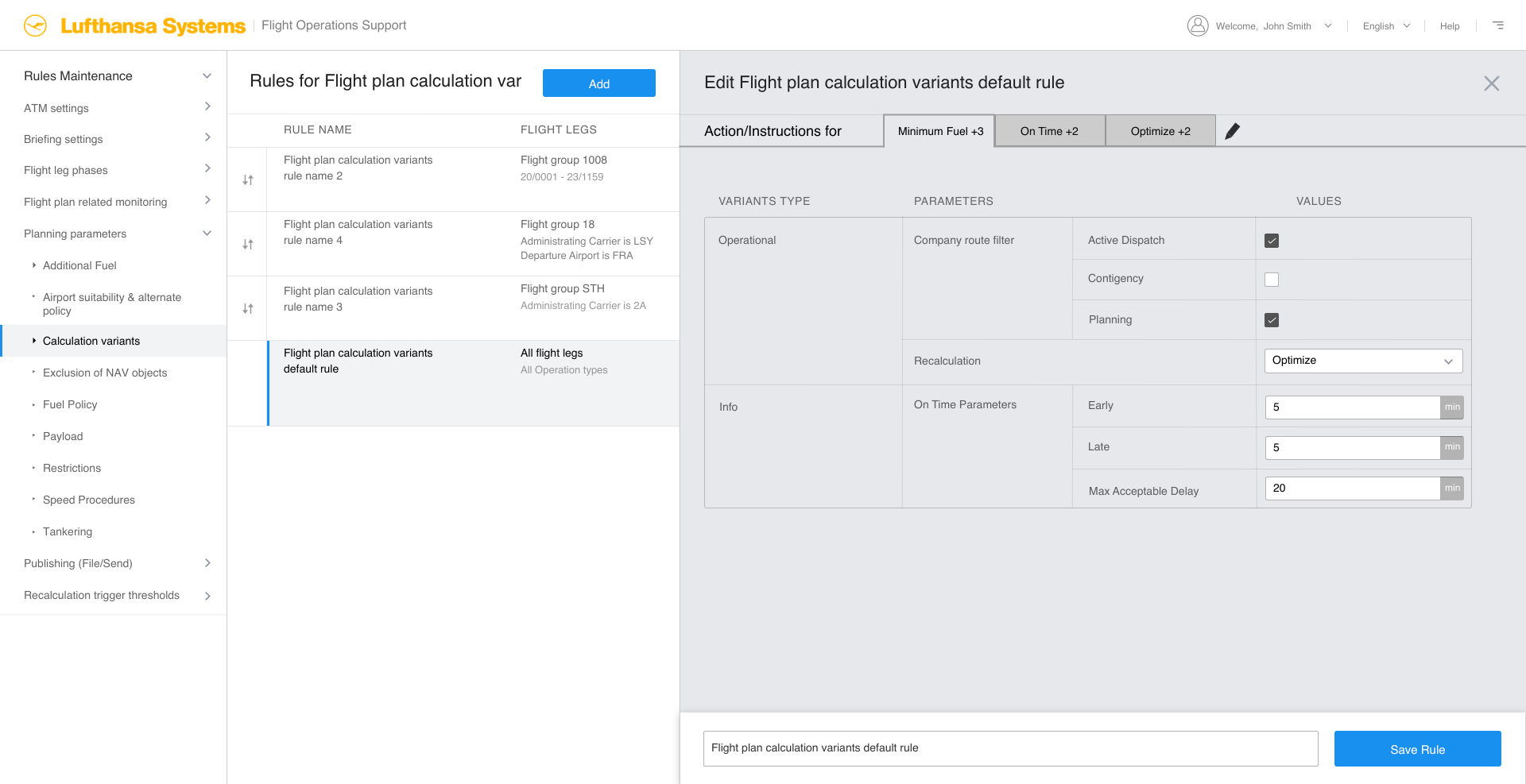
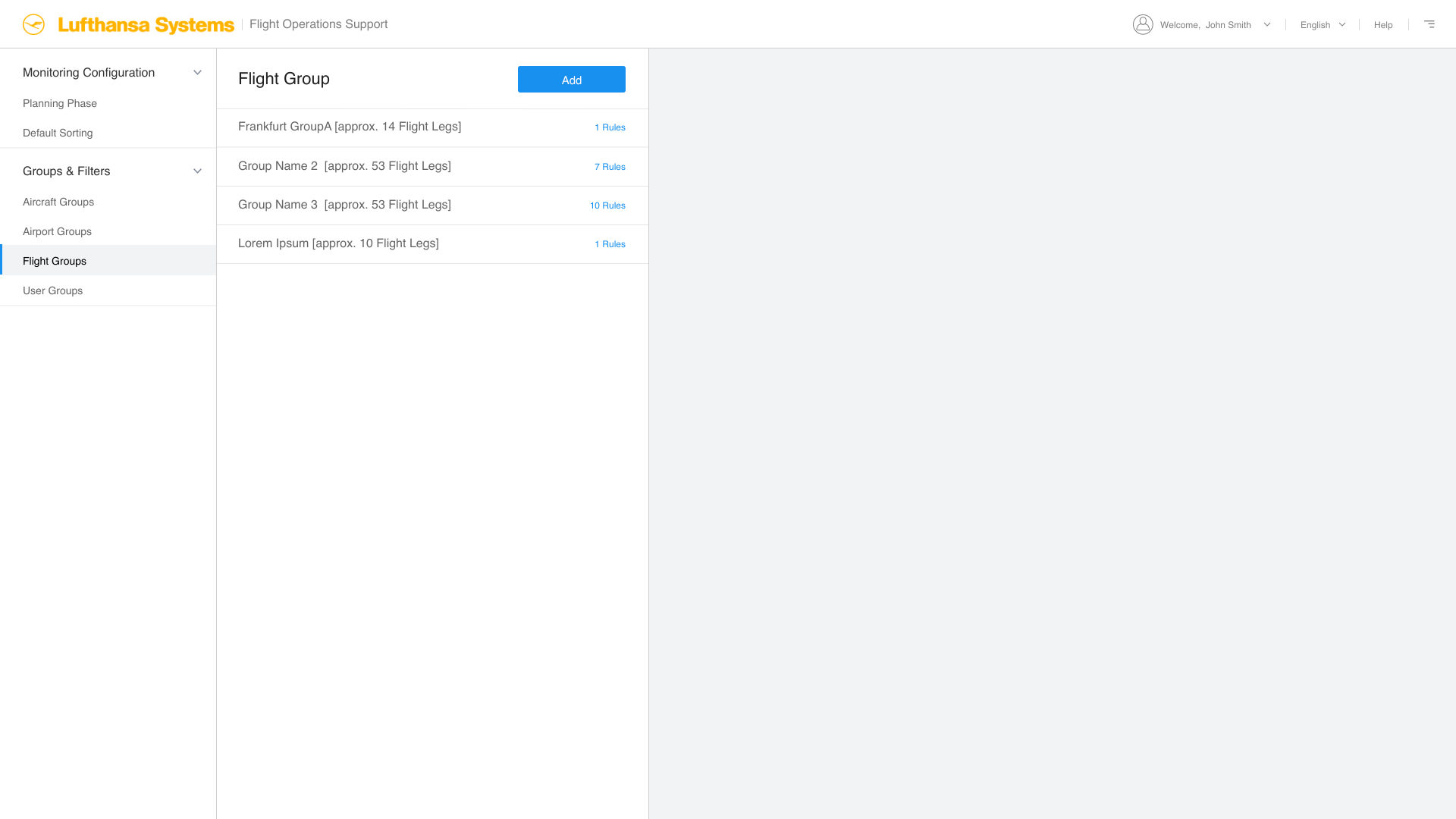
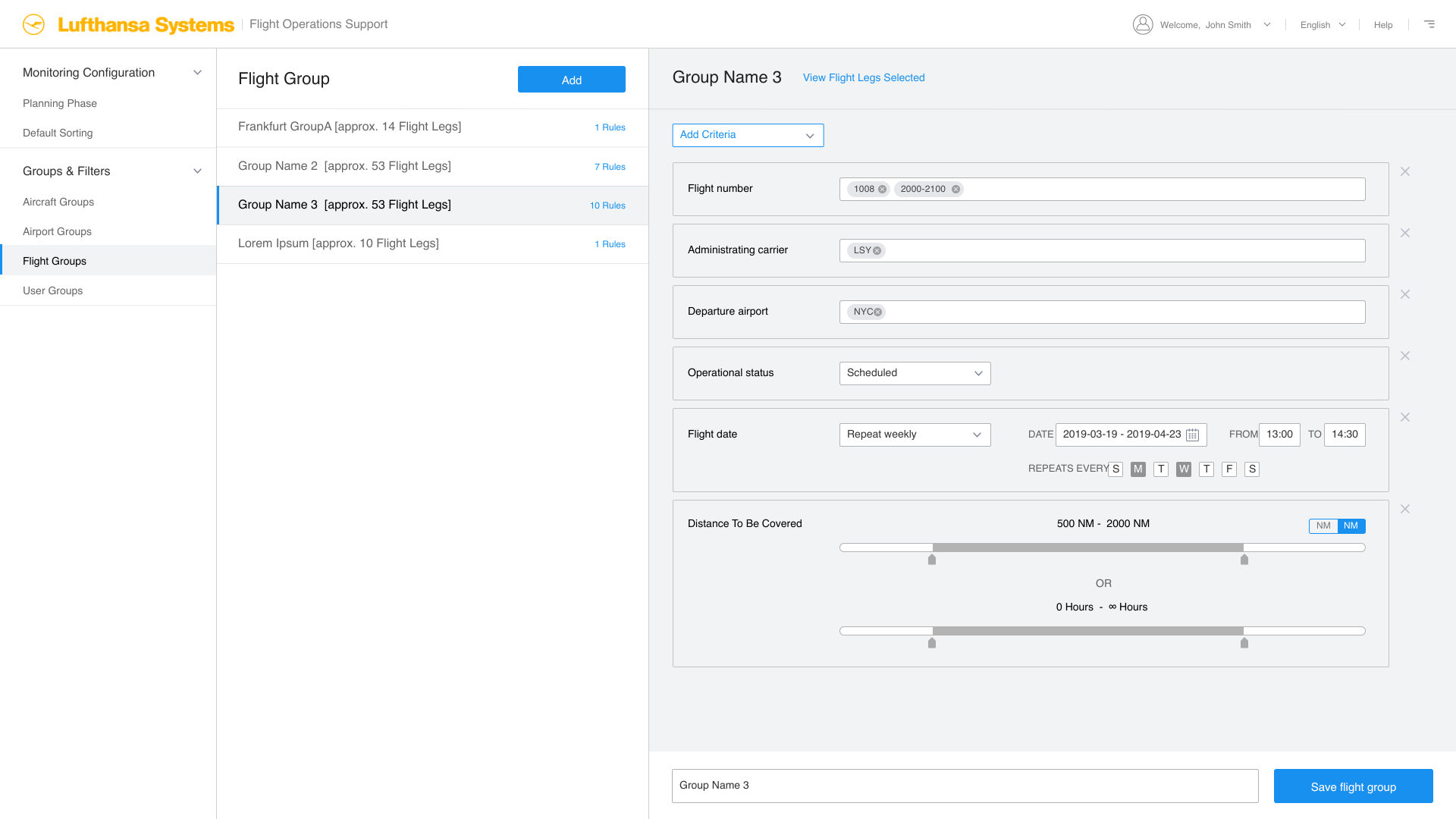
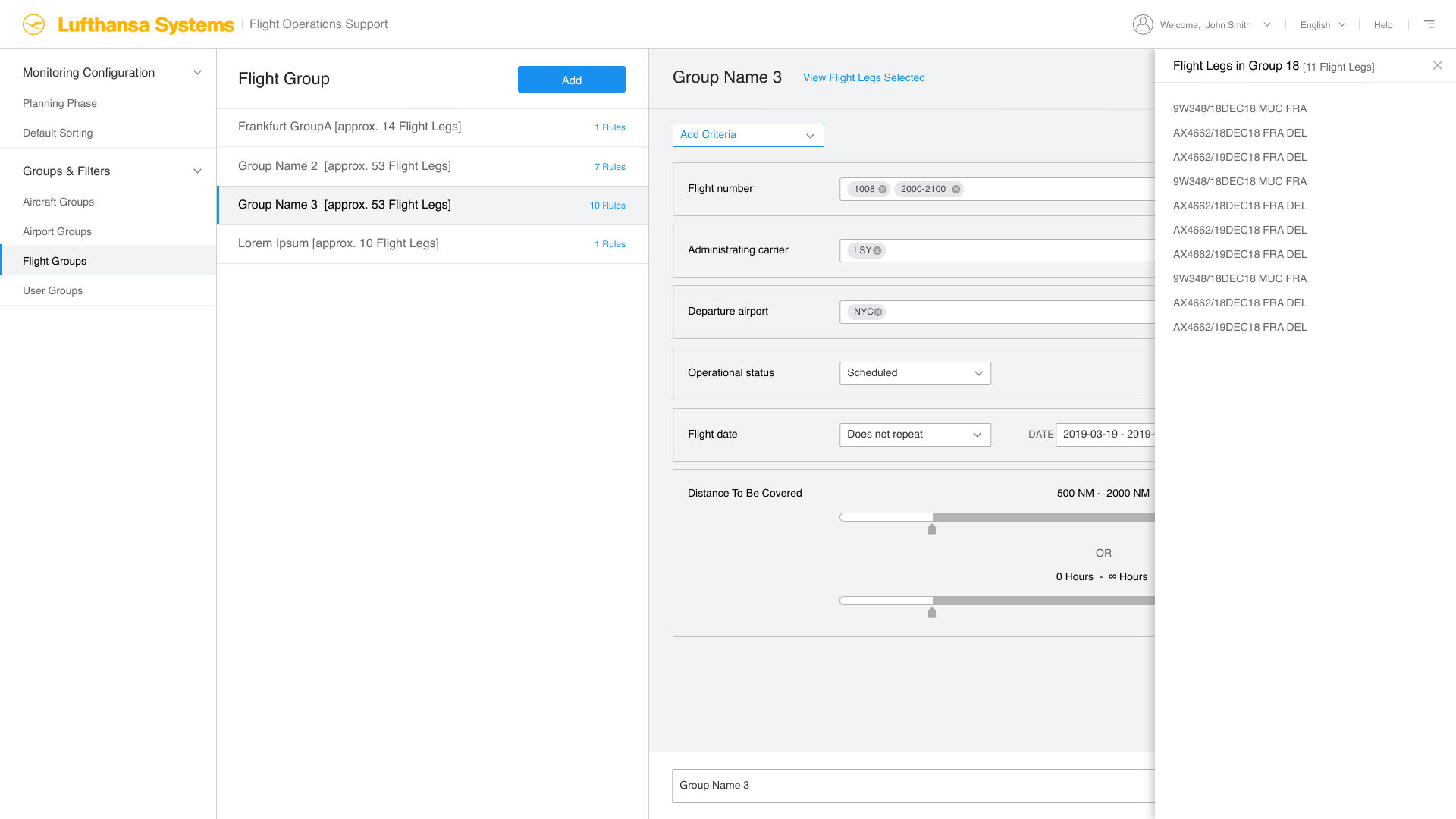
12 wireframes from the signed-off set, covering rule maintenance, tankering, restrictions and flight groups